

I Wanted Markdown in OneNote, So I Built It — HydroMark, a OneNote Markdown Add-in with Live Preview
9/19/26...About 2 min
There's a lot to love about OneNote. It's backed by Microsoft, which means your notes and data are in safe hands for the long haul. It syncs everywhere. And it still has my favorite feature that most modern note apps have quietly dropped: password-protected sections.
But there's one thing OneNote has never offered: Markdown.
So I built HydroMark — an add-in that brings real Markdown editing with live (WYSIWYG) preview into OneNote itself. You keep OneNote's notebooks, sections, sync and security; you just get to write in Markdown and watch it render in place.
Here's a tour of what it can do, feature by feature.
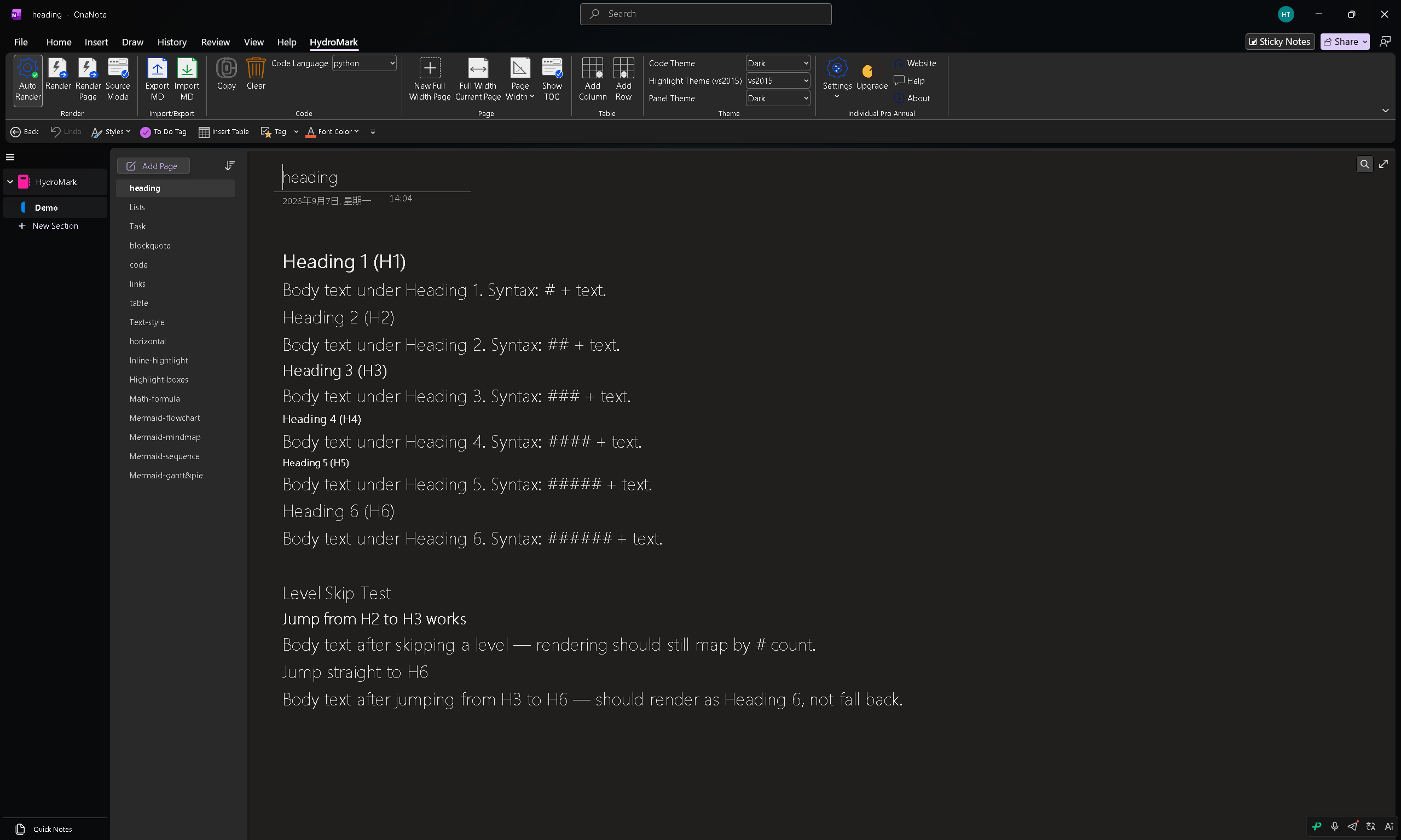
Headings
All six levels of # headings, rendered as native OneNote text — including level skips.
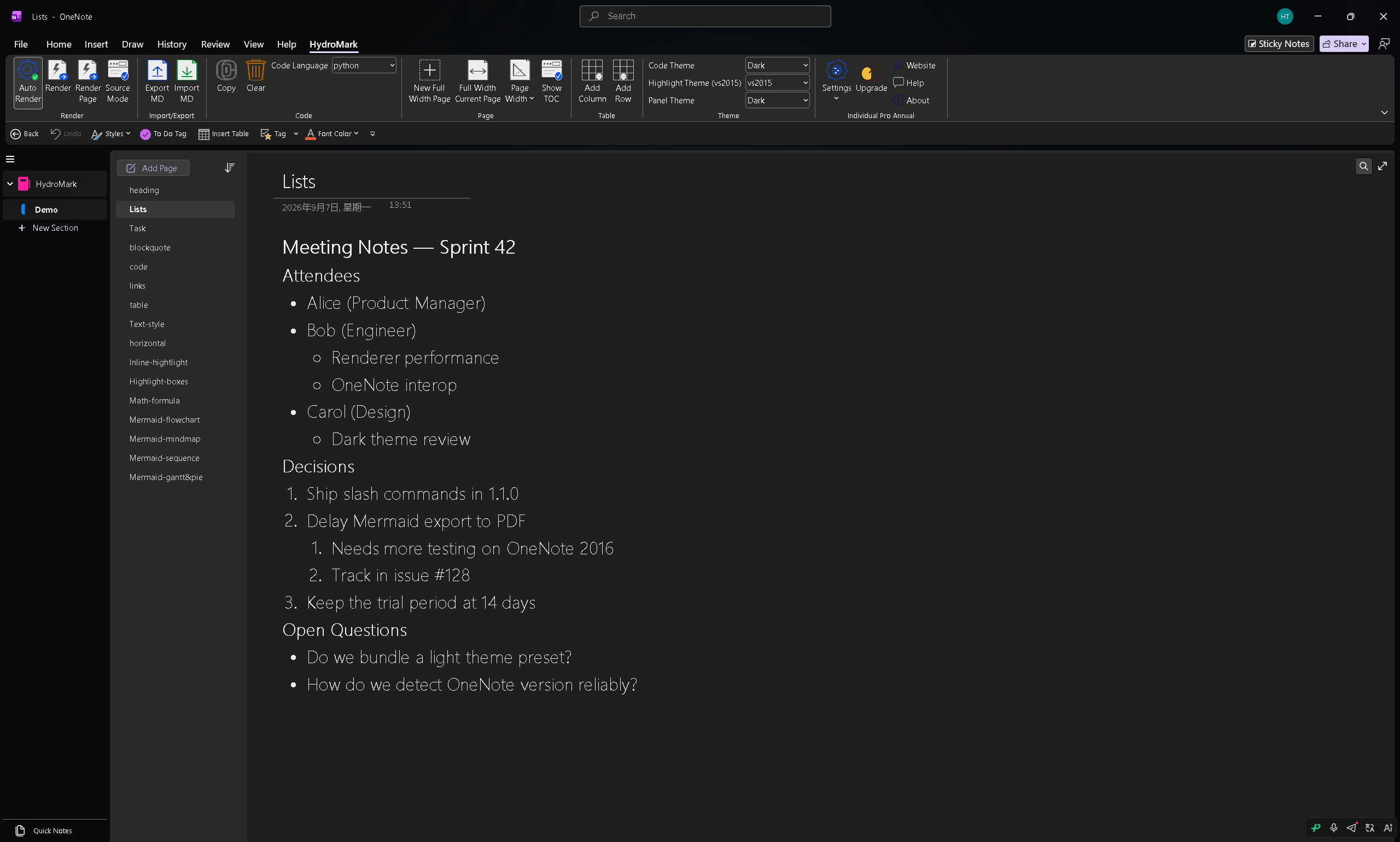
Lists
Ordered, unordered, and deeply nested — clean indentation, rendered in place.
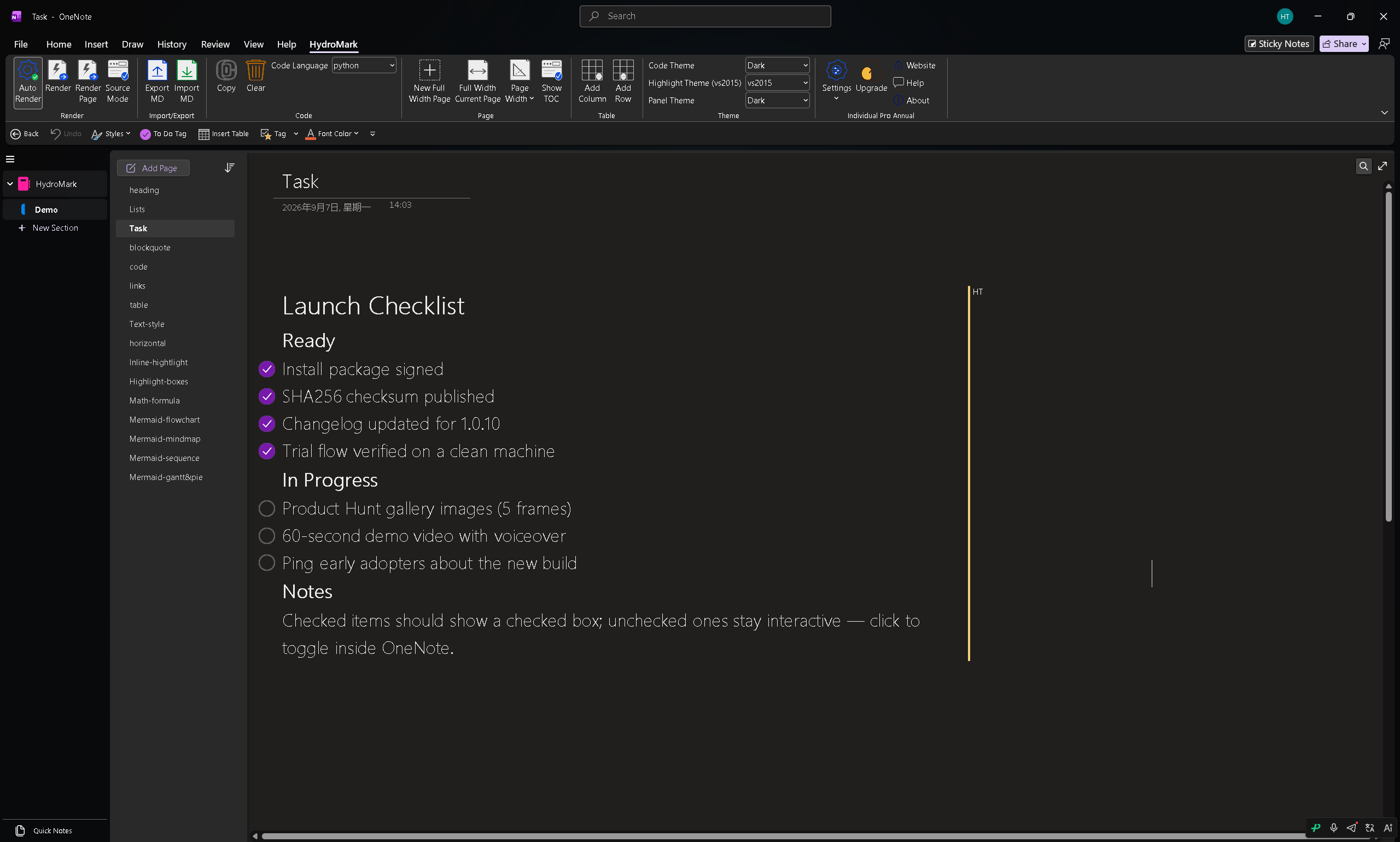
Task Lists (To-Do)
- [ ] becomes a real OneNote to-do checkbox. Check it in the rendered view; the state round-trips back to Markdown.
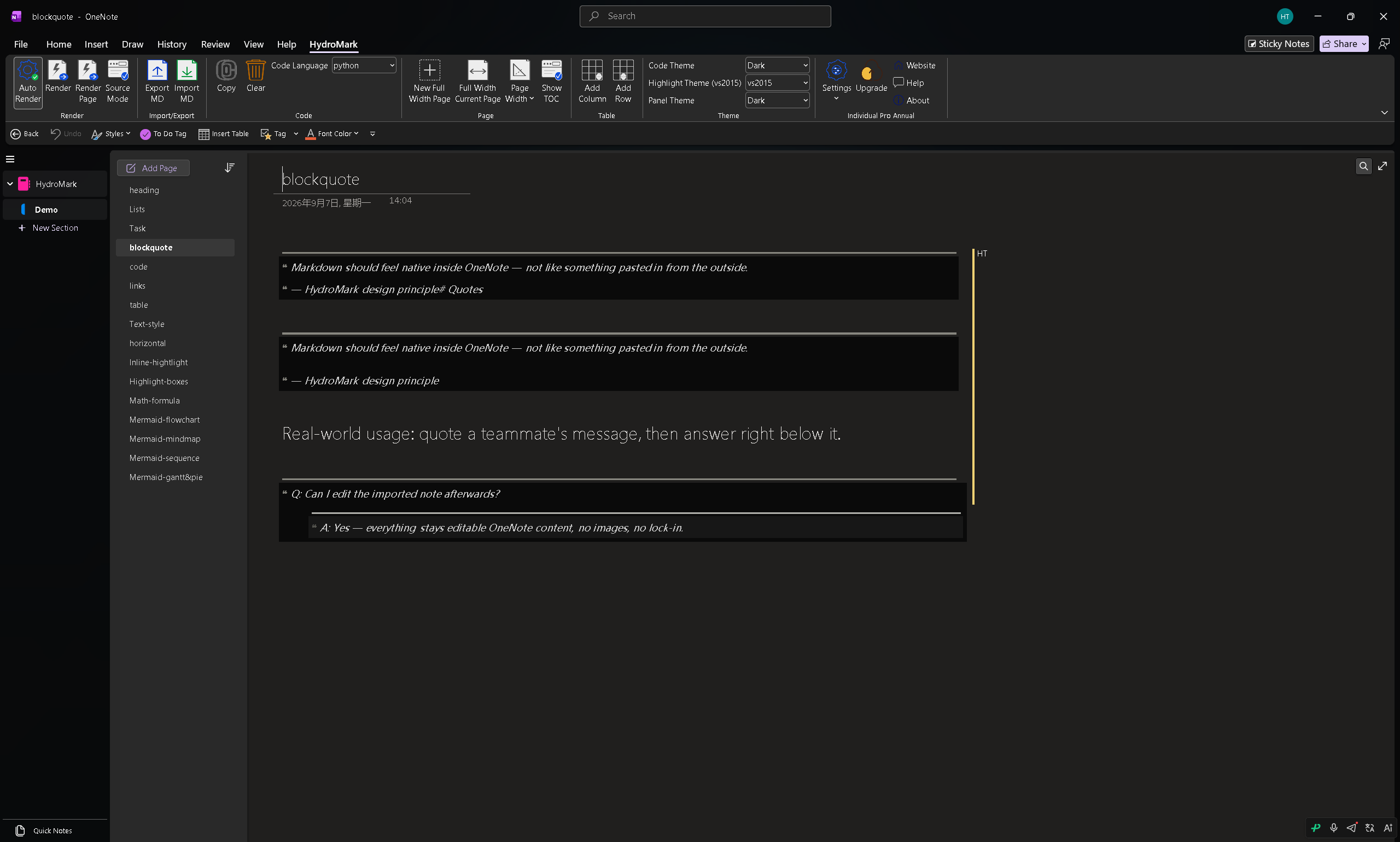
Blockquotes
> renders as a styled quote block — with per-level accent lines and nested indentation.
Code Blocks
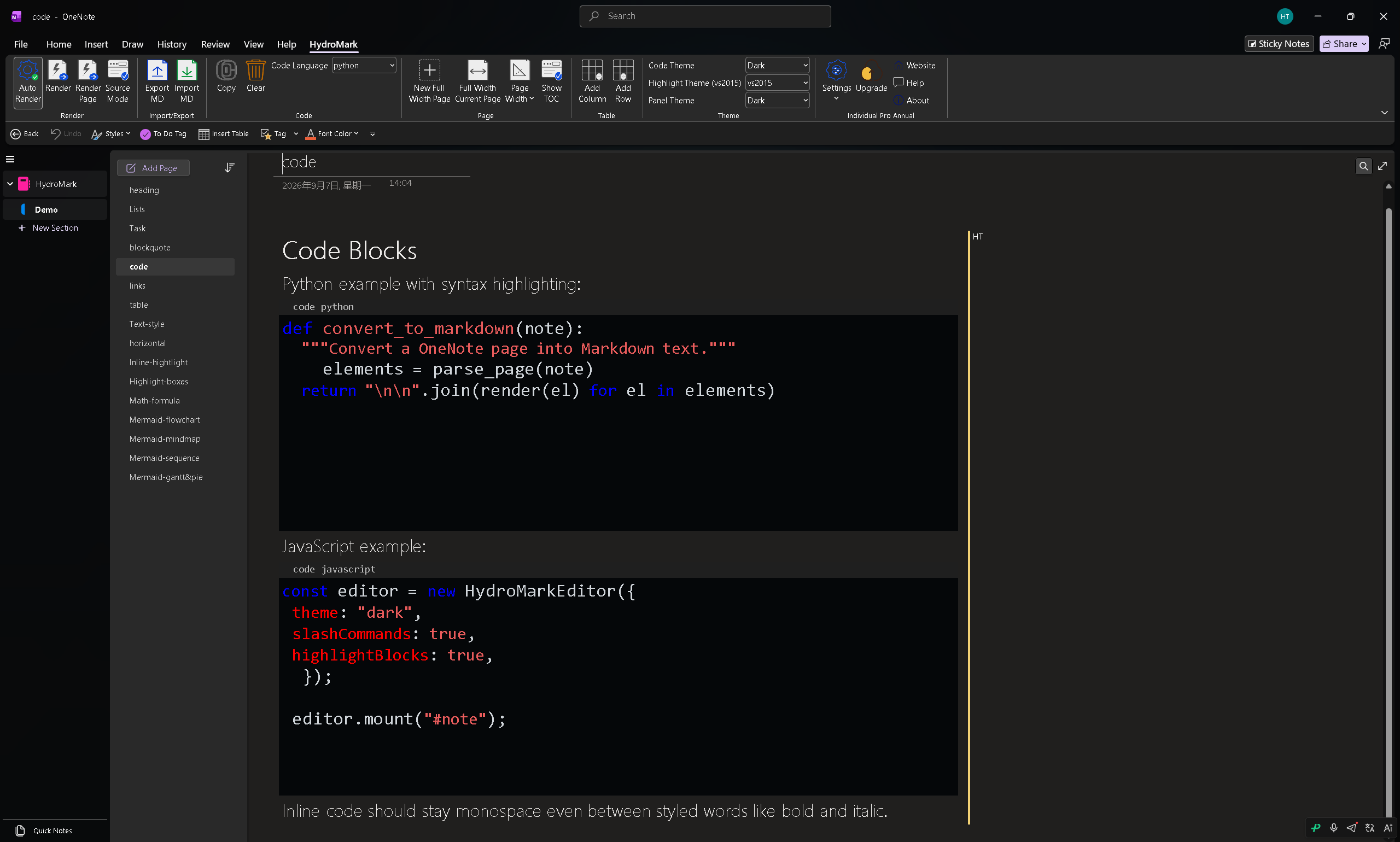
Fenced code blocks with syntax highlighting for dozens of languages. Pick the language from the ribbon or let auto-detection handle it. Inline code stays monospace too.
Links
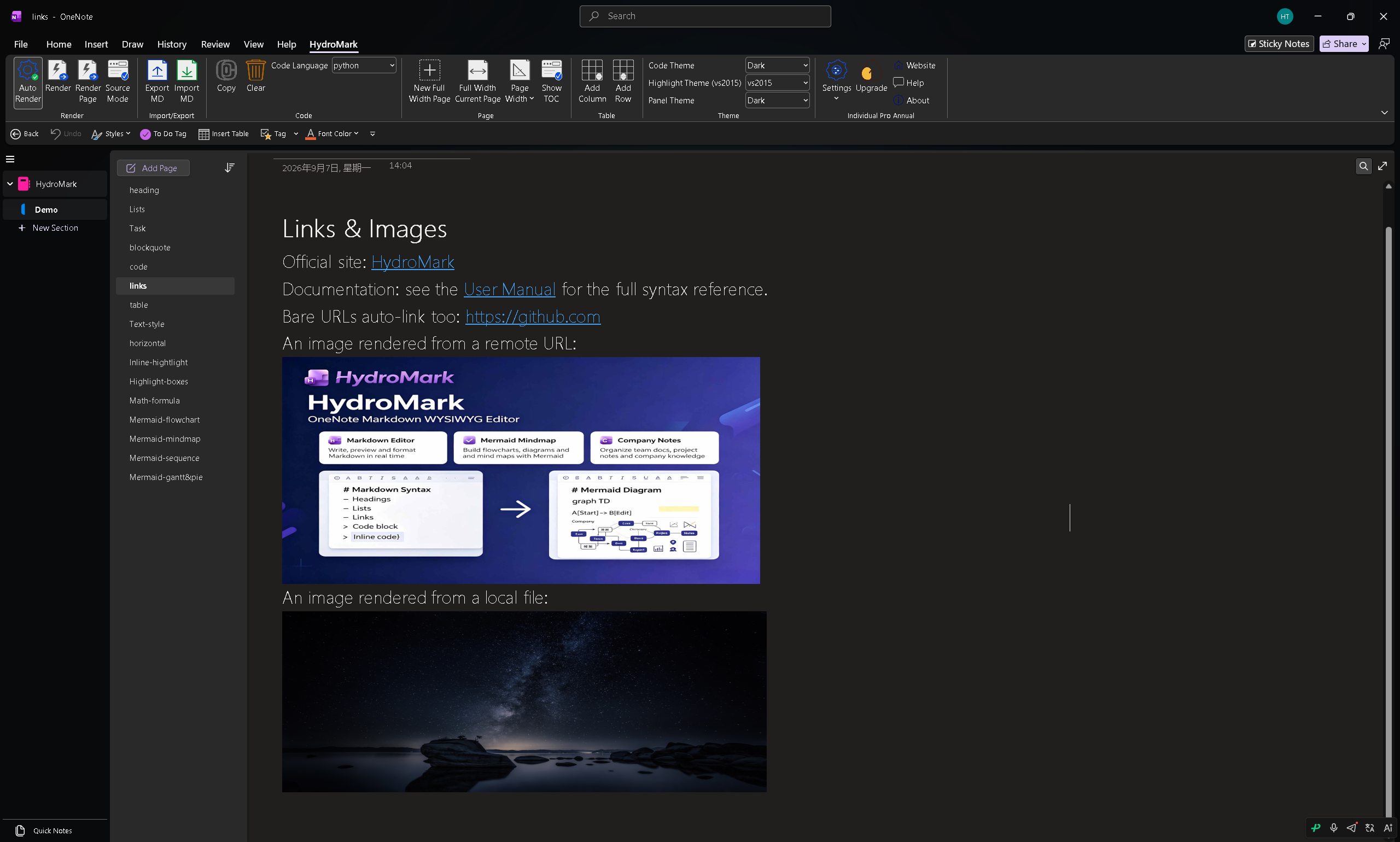
Standard [text](url) Markdown links, rendered as native OneNote hyperlinks.
Tables
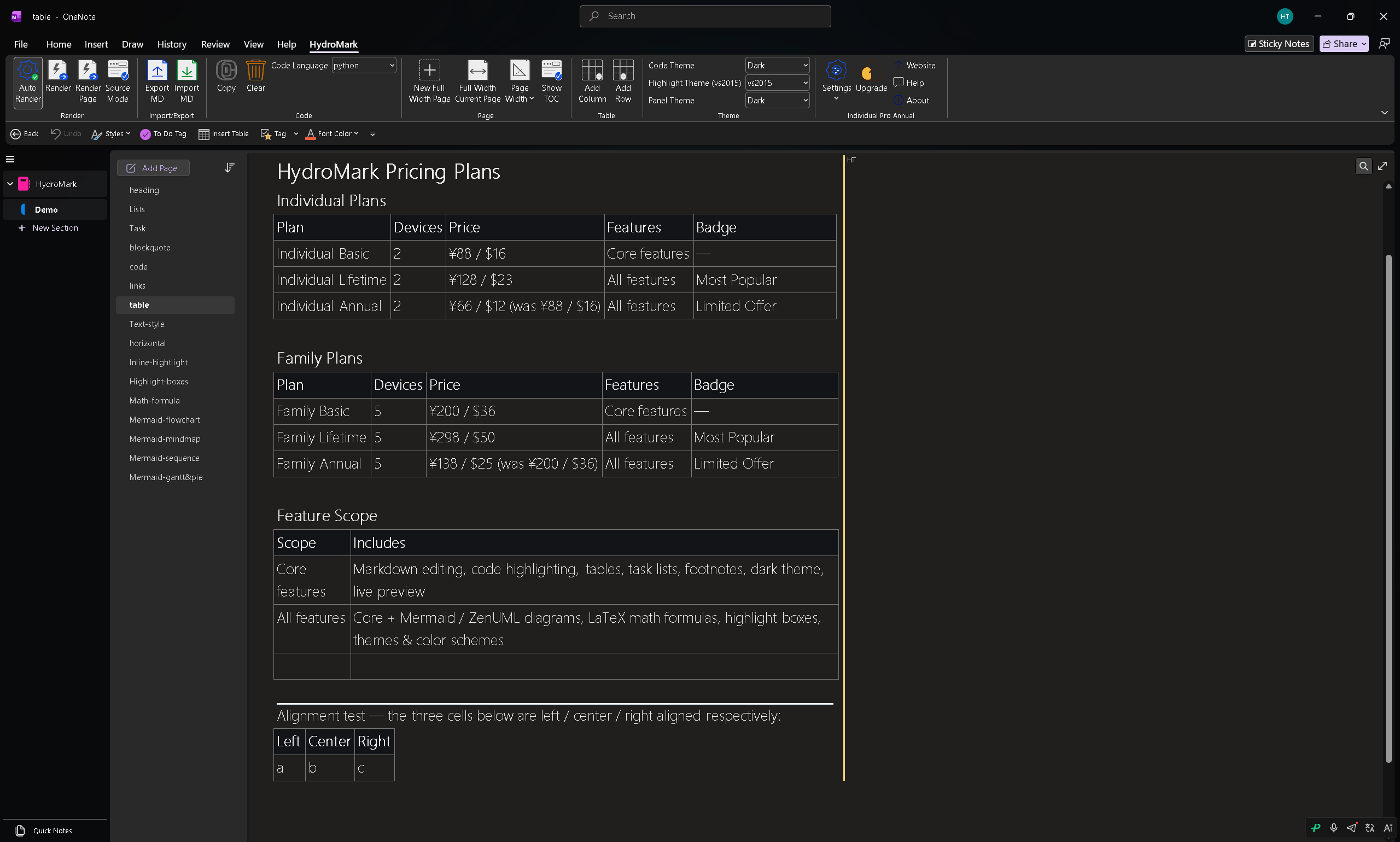
GFM-style tables with alignment support — rendered as proper OneNote tables, not images.
Text Styles
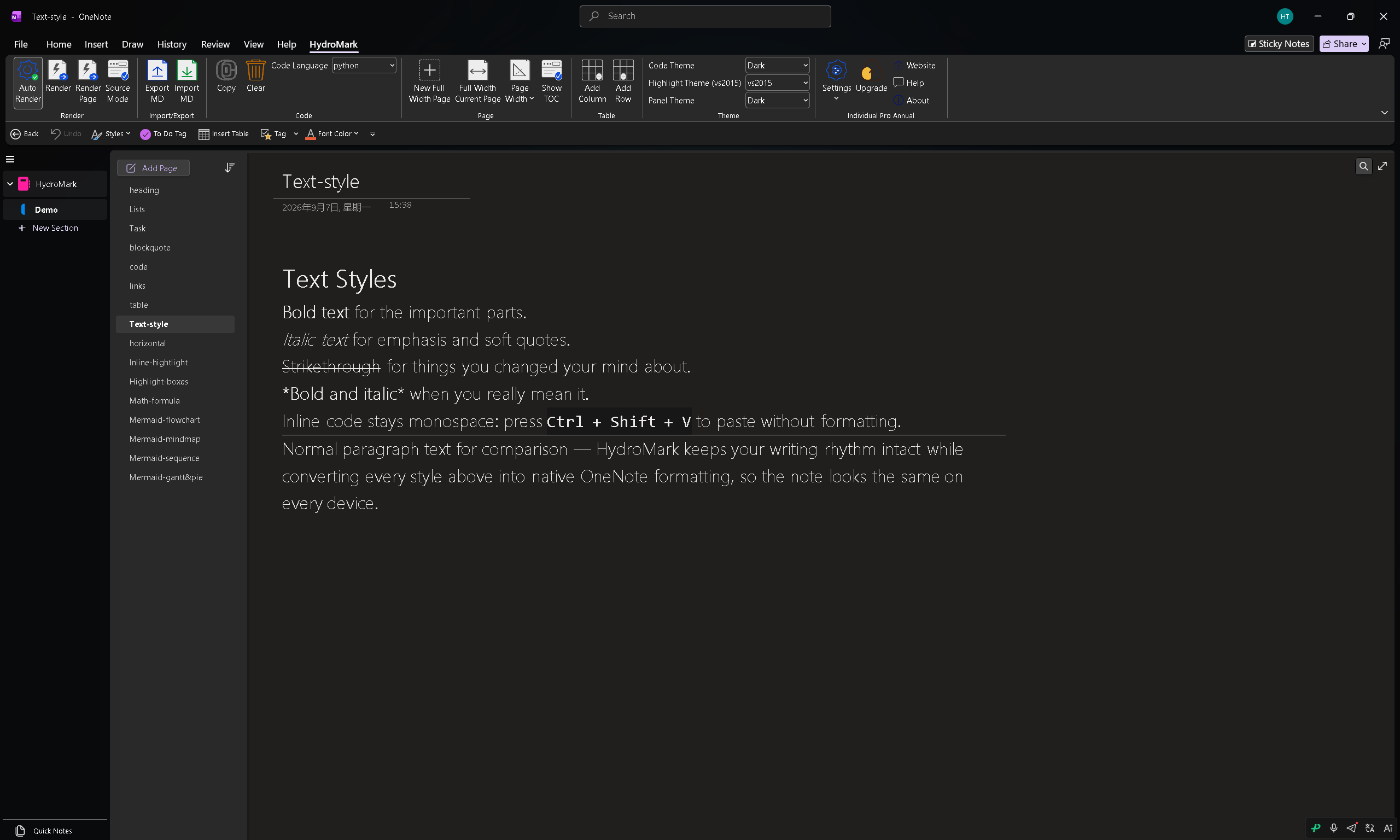
Bold, italic, strikethrough and more — all the everyday inline styles, done right.
Horizontal Rules
--- renders as a horizontal divider.
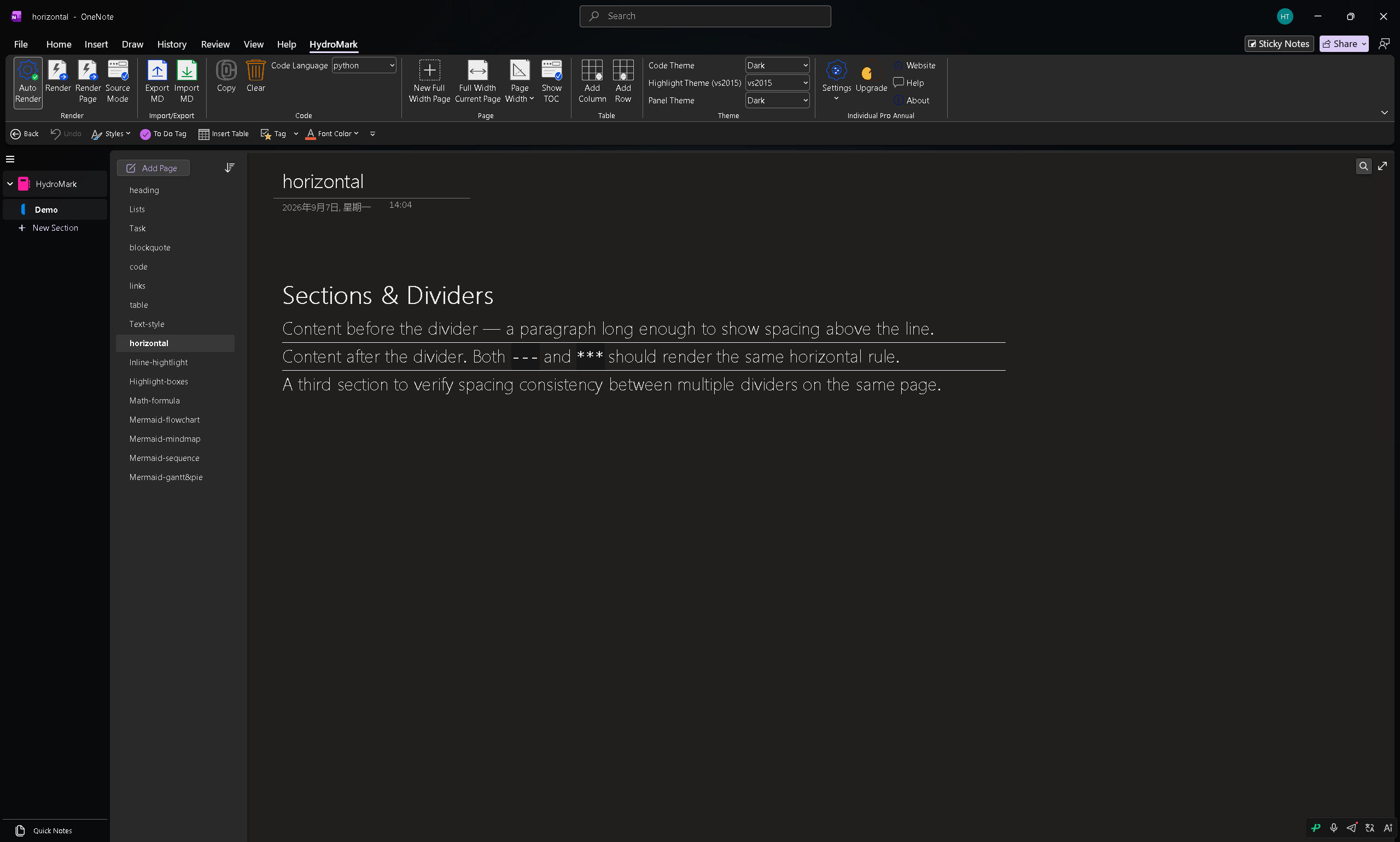
Inline Highlights
==highlight== marks the text that matters.
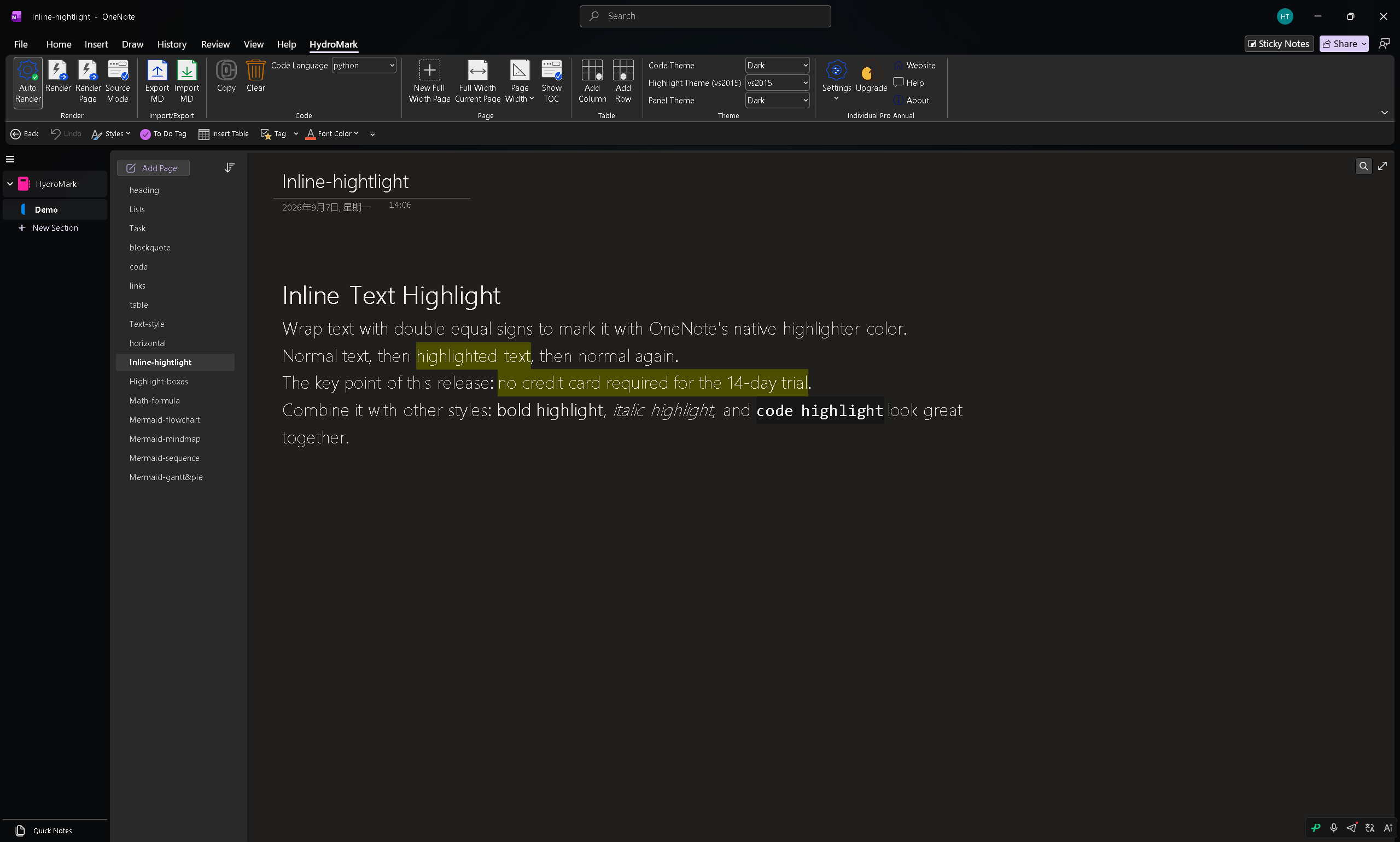
Highlight Boxes
Callout-style boxes — INFO, WARNING, IMPORTANT, ERROR — for notes that need to stand out.
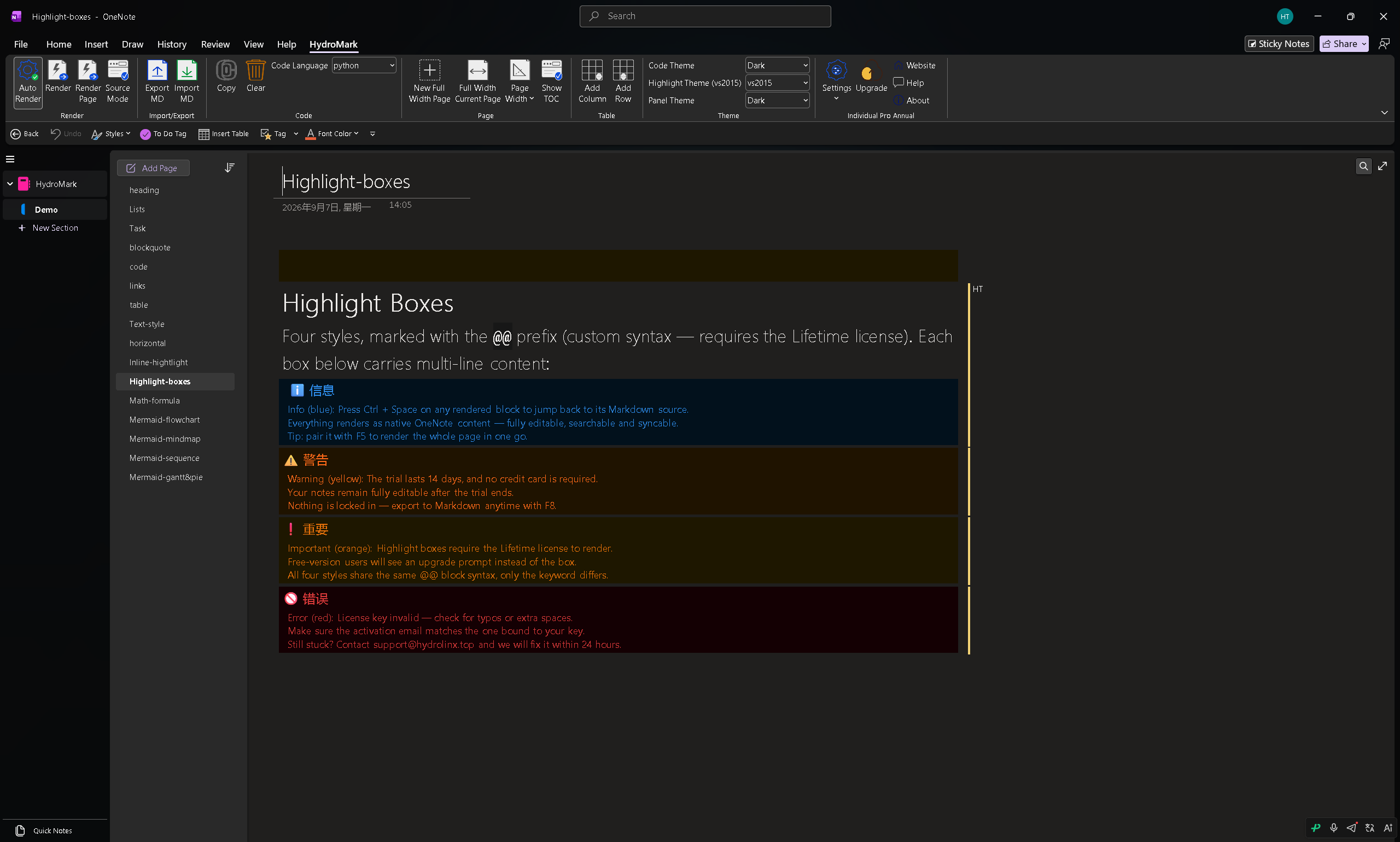
Math Formulas (LaTeX)
Inline $...$ and block $$...$$ formulas rendered as native OneNote equations — editable, scalable, and consistent with the surrounding text.
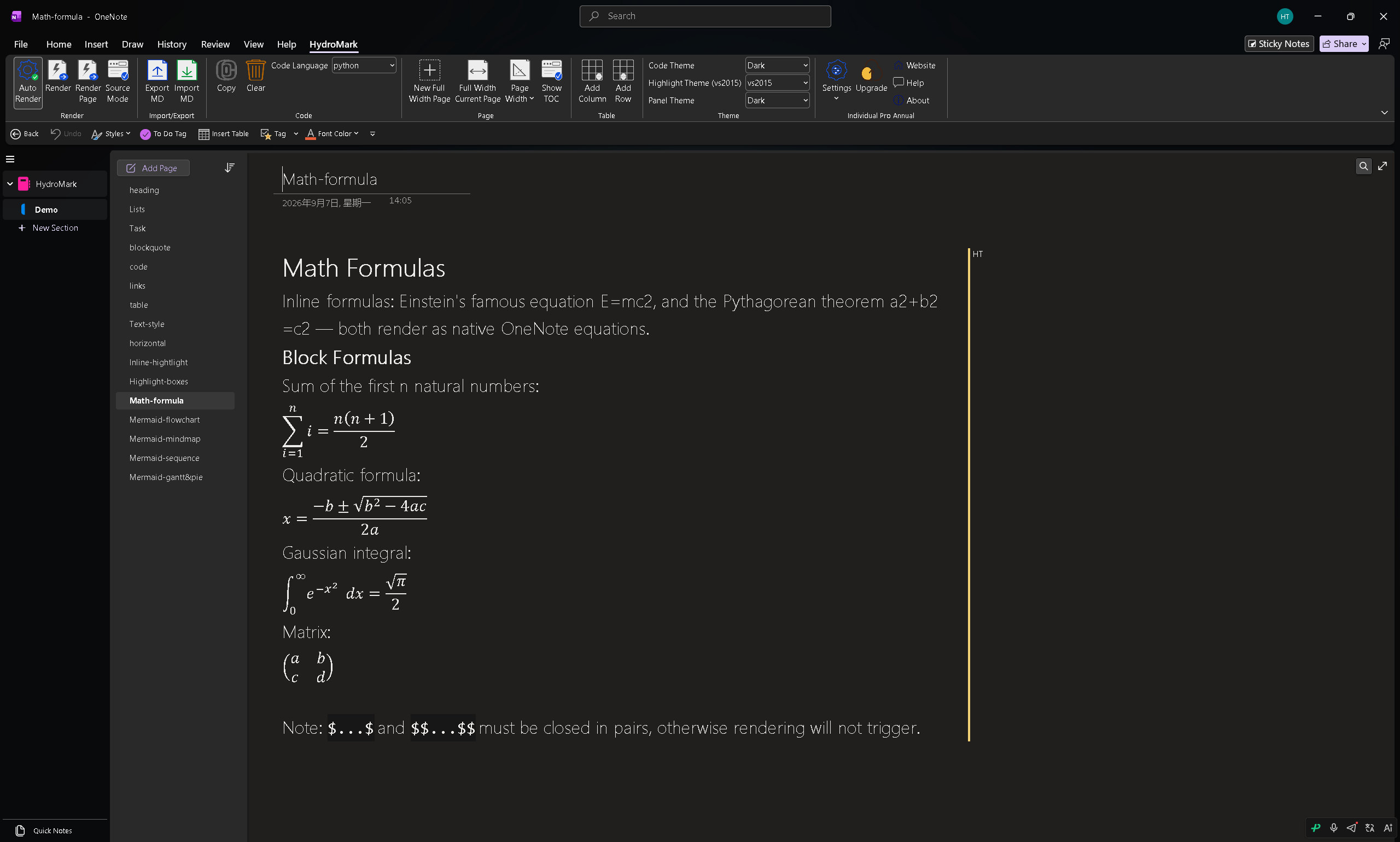
Mermaid Diagrams
This is the big one. Write Mermaid, get a rendered diagram embedded in your page:
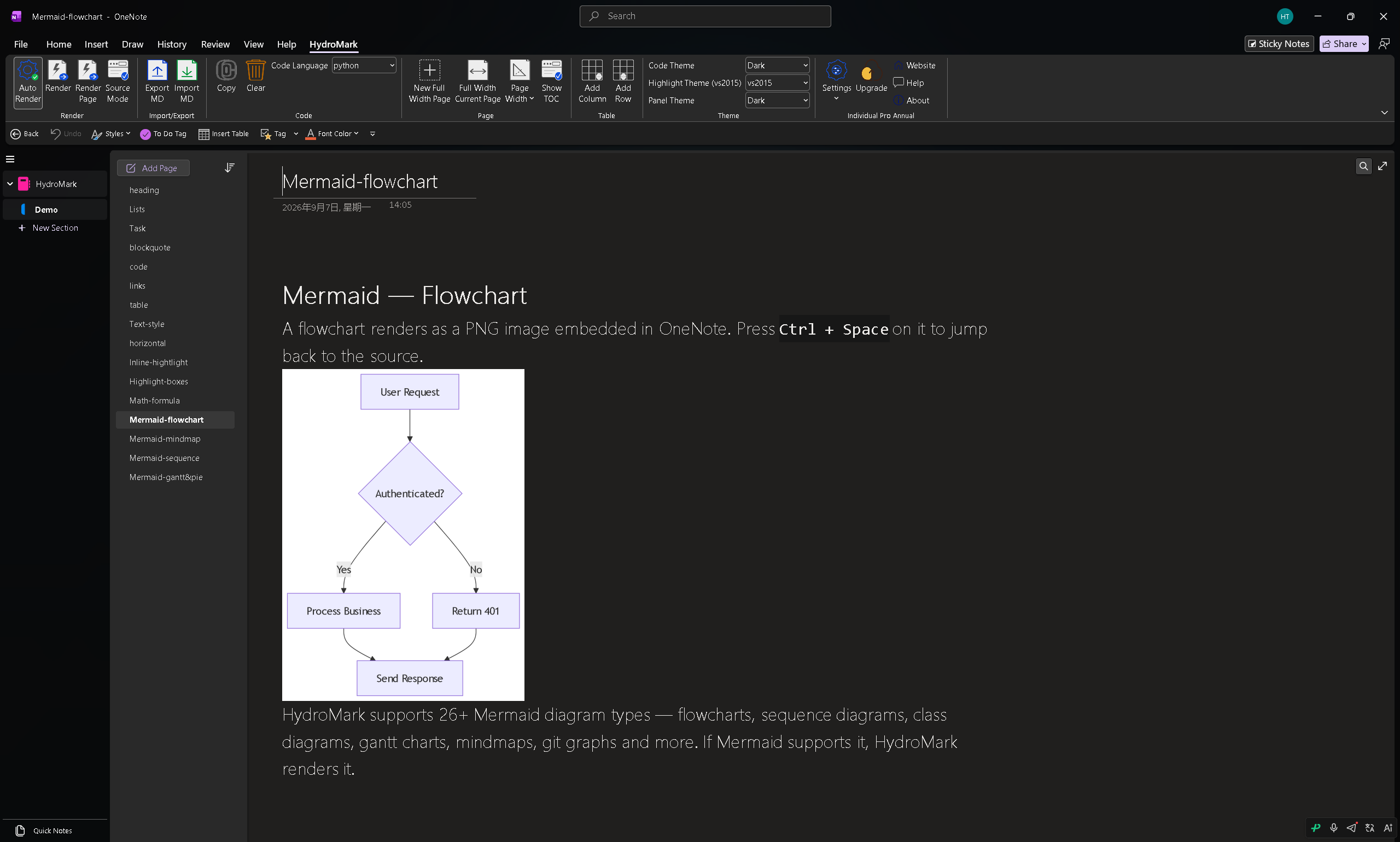
Mindmaps:
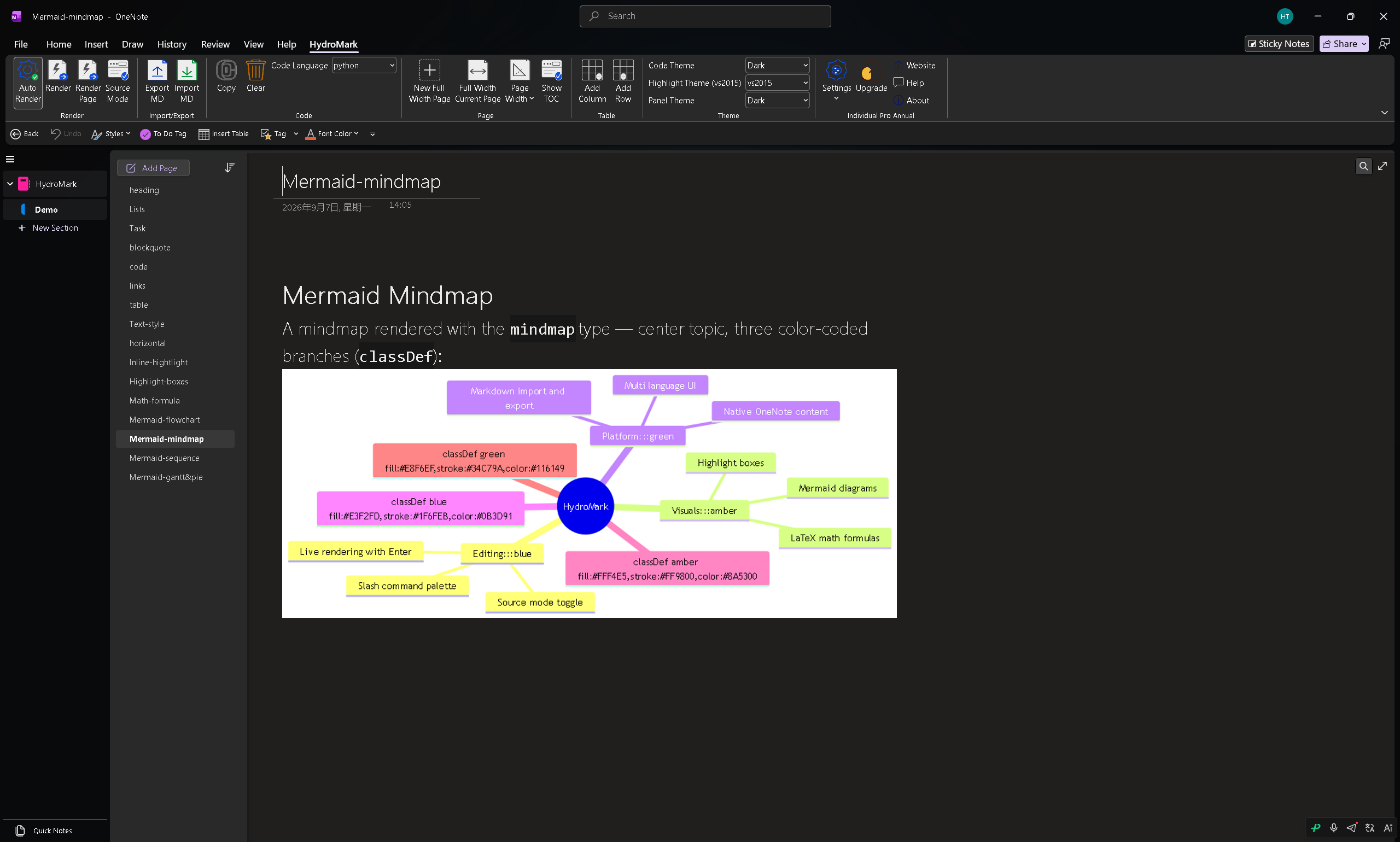
Sequence diagrams:
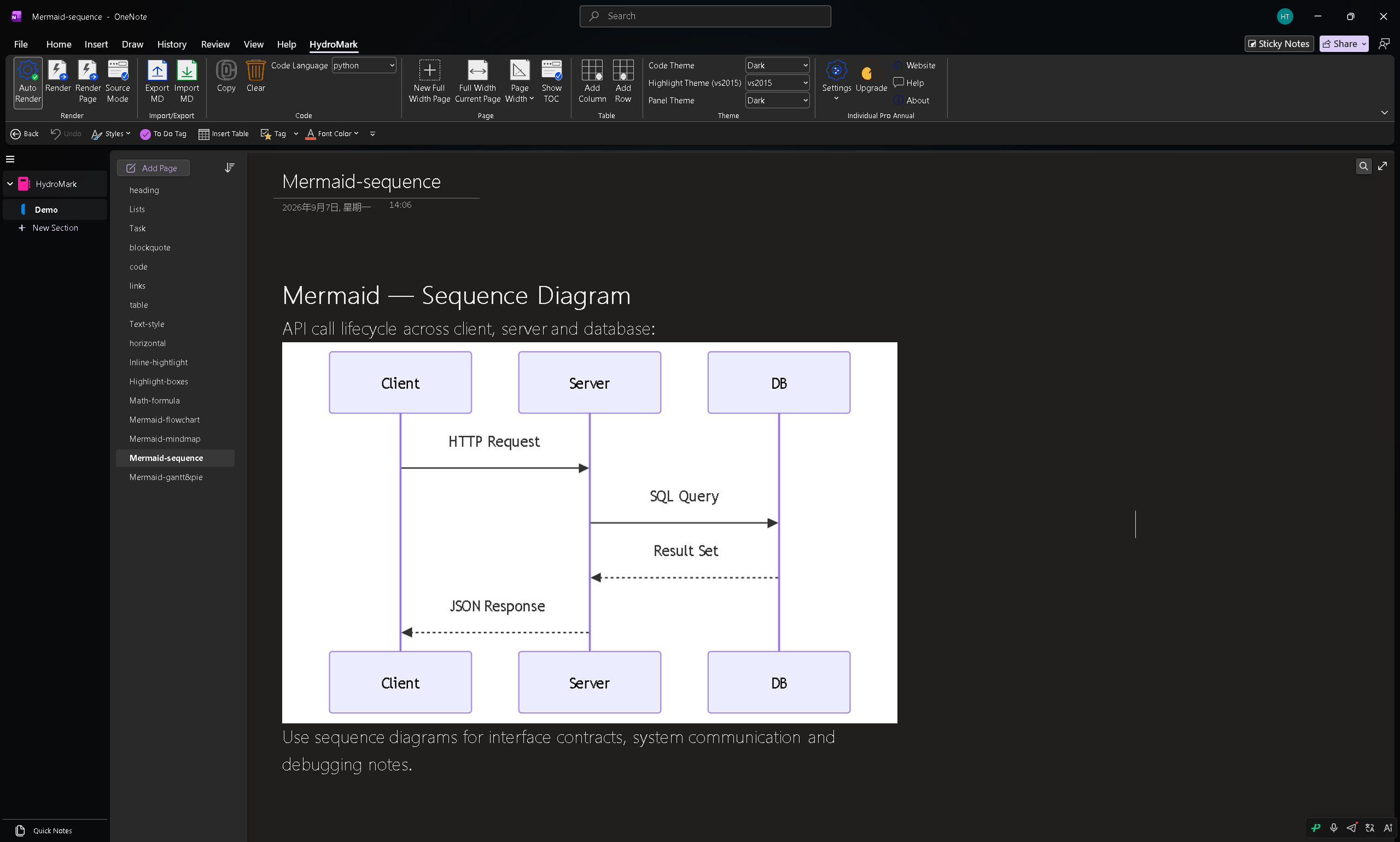
Gantt and pie charts:
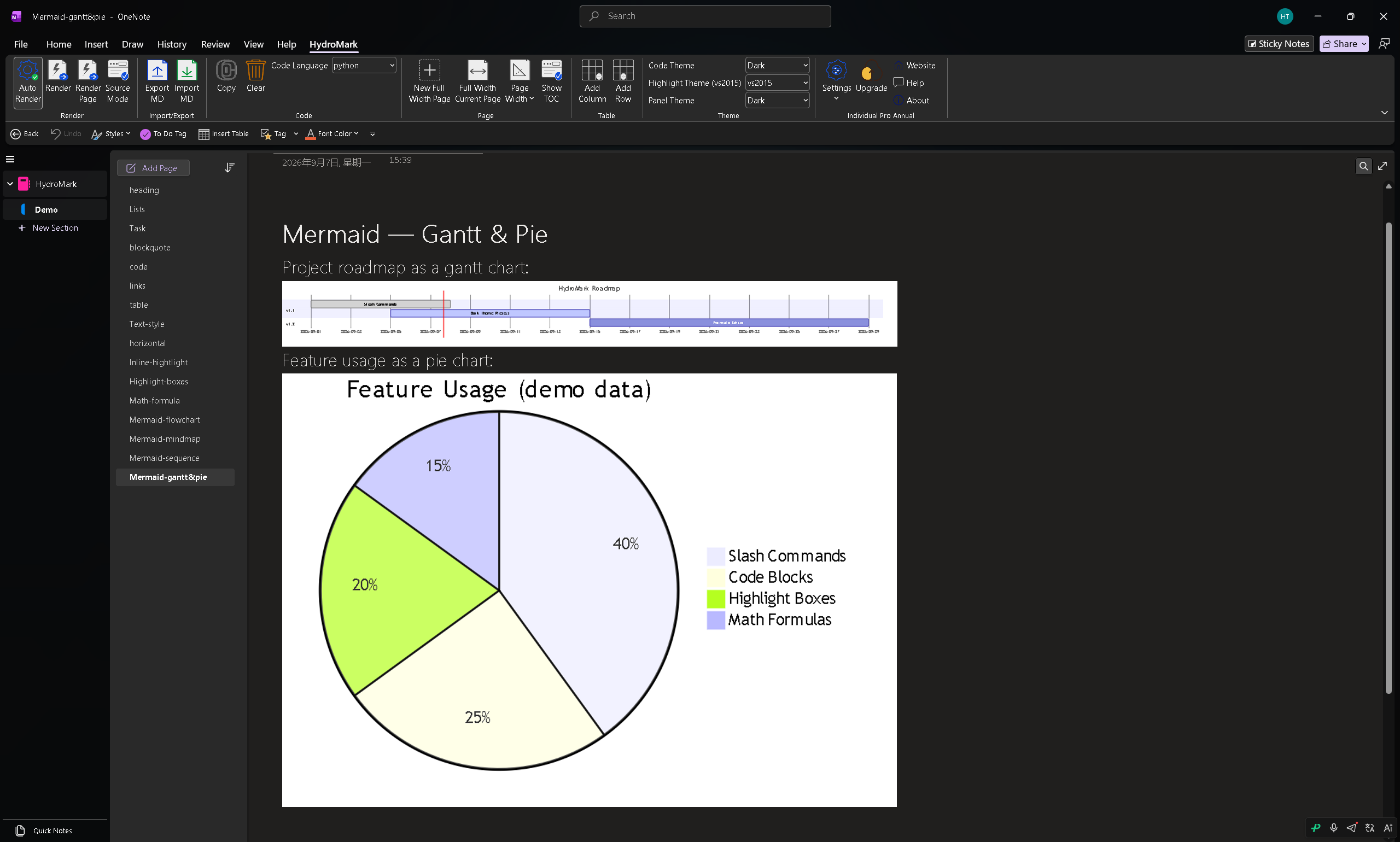
Flowcharts, sequence diagrams, class diagrams, state diagrams, gantt charts, mindmaps, git graphs — if Mermaid supports it, HydroMark renders it. Press Ctrl + Space on a rendered diagram to jump back to its Markdown source.
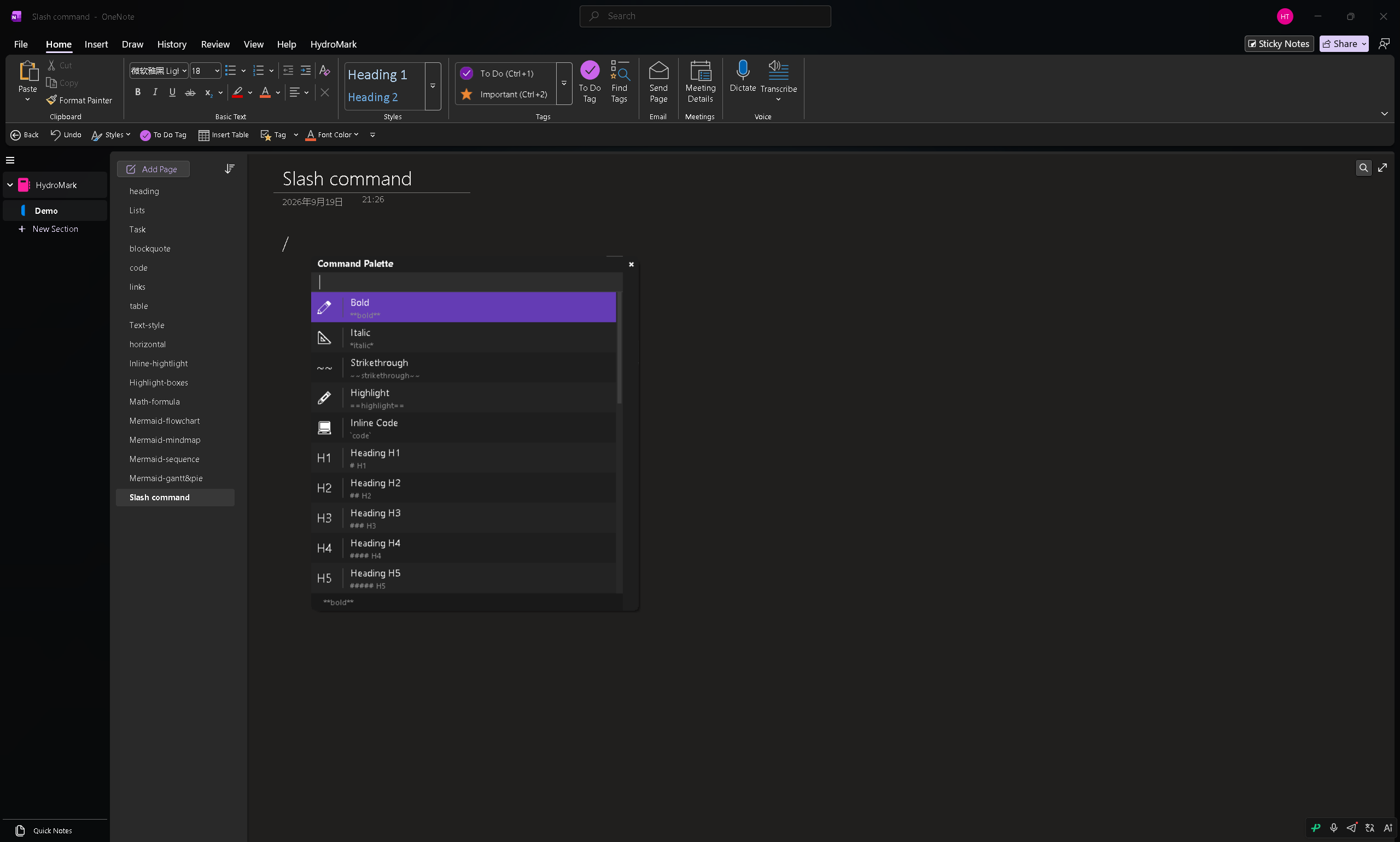
The Slash Command Palette
Type / anywhere to open a searchable command palette that inserts any of the above — headings, lists, code blocks, boxes, formulas, tables, diagrams — instantly. It's the fastest way to write structured notes.
Try It
- Website: https://hydromark.hydrolinx.top
- 14-day free trial with all features unlocked — Basic and Pro tiers after that
- Feedback & support: support@hydrolinx.top
If you've ever wanted Markdown inside OneNote without leaving it, give HydroMark a try — and tell me what feature you'd like to see next. AI-assisted writing and auto-fill are already on the roadmap.
Random Posts

Features demo11/4/24
HydroMark Review: Real Markdown Editing, Live, Inside OneNote9/19/26
ChatGPT In-Depth Review: Is It Still Worth Using in 2026?9/14/26
AI Agents Explained: From Chat Assistant to Autonomously Completing Tasks9/11/26
OneMark vs HydroMark: Which OneNote Markdown Add-in Should You Use? (2026 Comparison)9/19/26
Claude by Anthropic Review: Where It Shines in Long-Form Writing and Coding9/15/26