
HydroMark Review: Real Markdown Editing, Live, Inside OneNote
If you use OneNote and have ever wanted Markdown, there is now a real solution: HydroMark is a Windows desktop add-in that brings genuine Markdown editing with live (WYSIWYG) preview into OneNote itself, while you keep OneNote's notebooks, sections, sync and password-protected security.
Why it matters
OneNote has long been one of the best note apps: Microsoft-backed storage, all-device sync, and password-protected sections that most modern note apps dropped. But it never offered Markdown. HydroMark closes that gap without making you abandon OneNote.
Feature tour
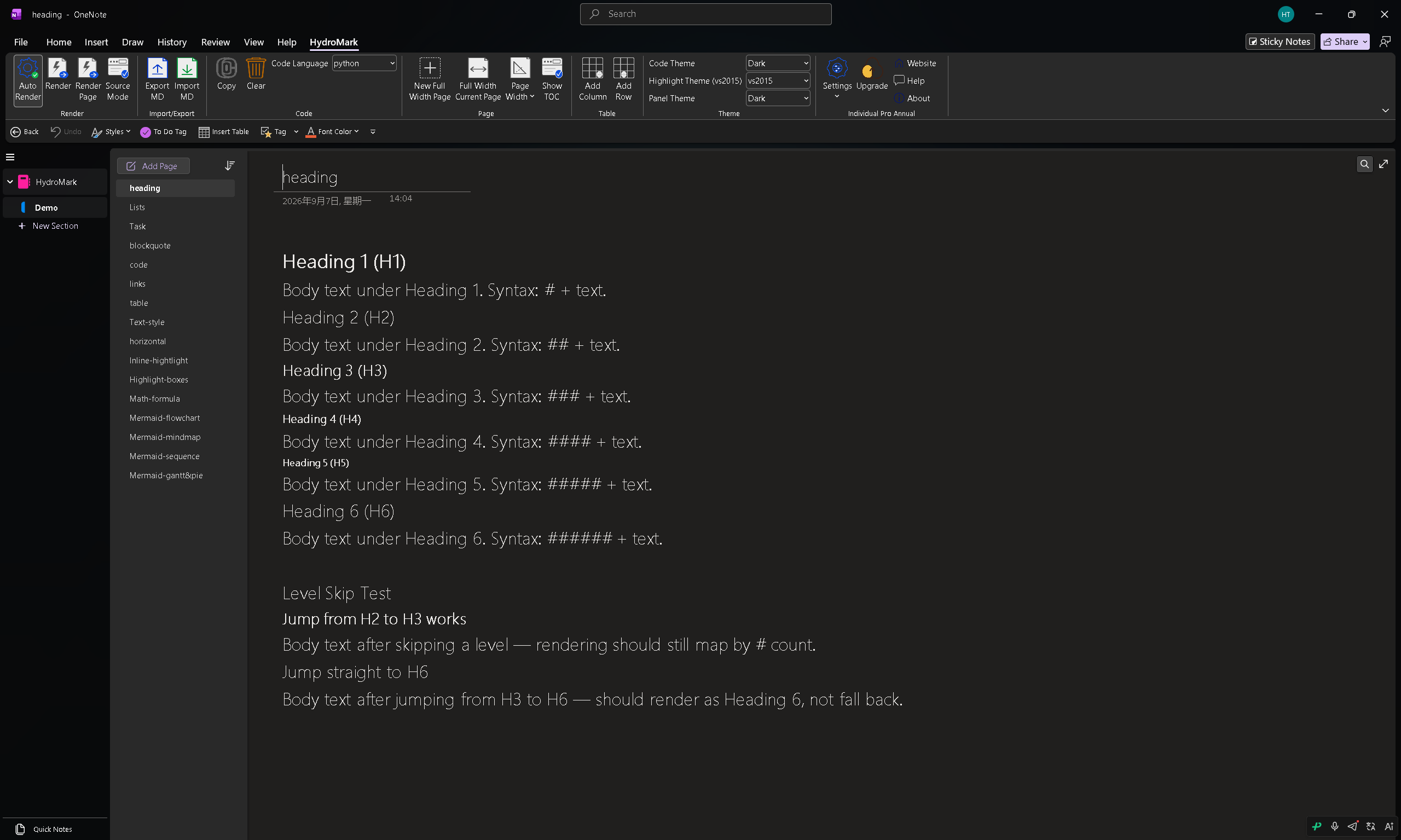
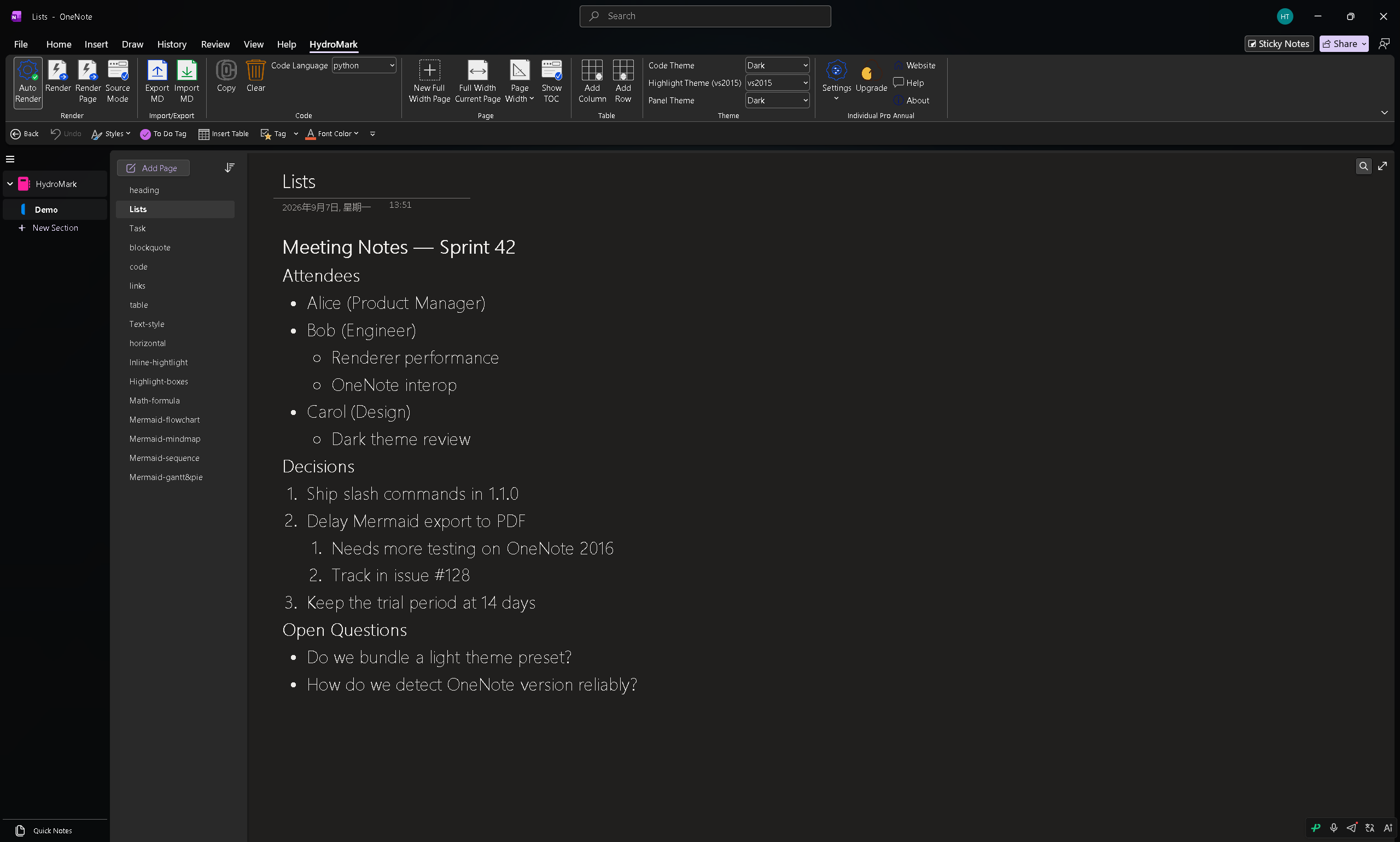
Headings and lists
All six # levels render as native OneNote text, including level skips. Ordered, unordered, and deeply nested lists keep clean indentation and render in place.
Task lists, quotes and code
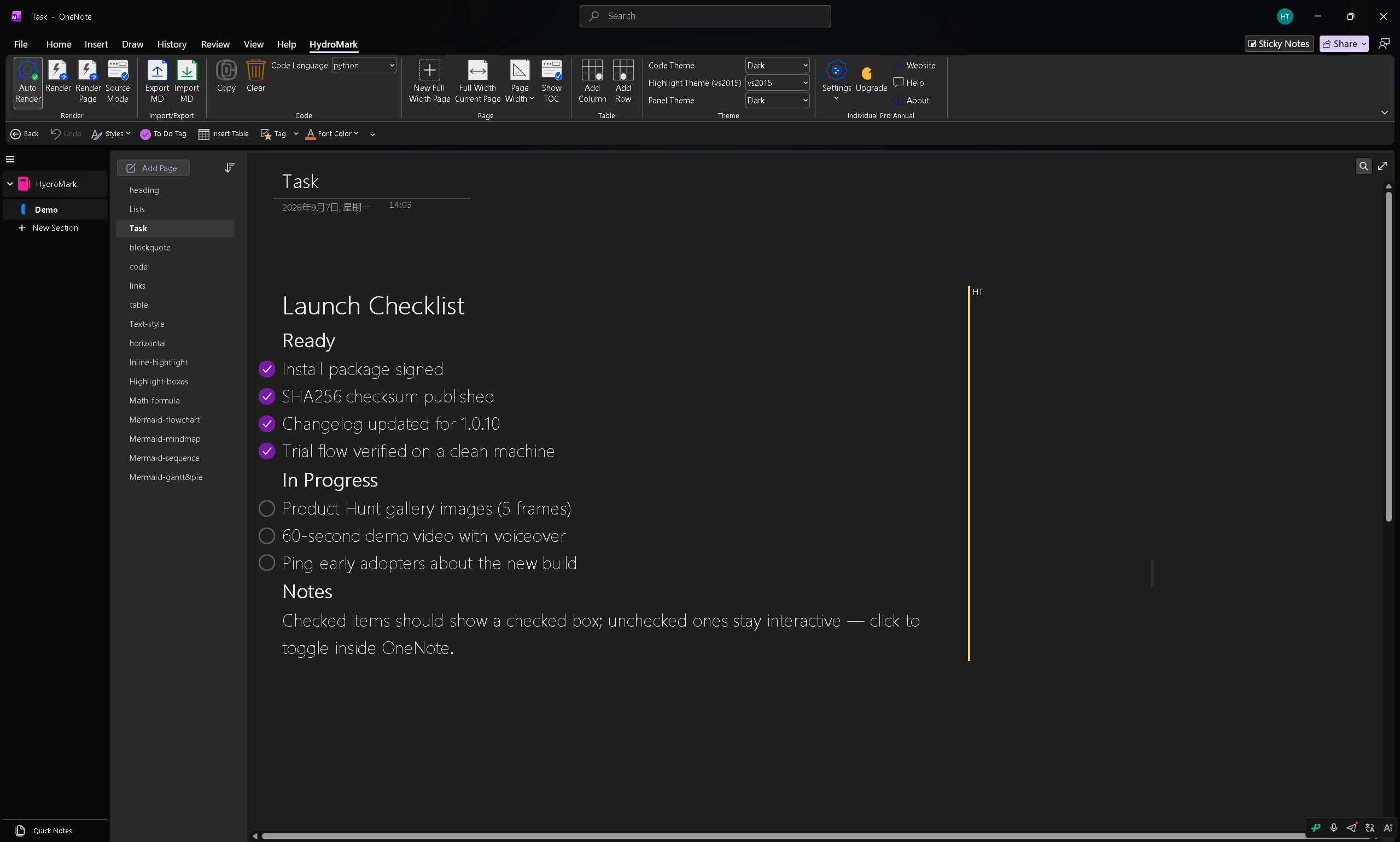
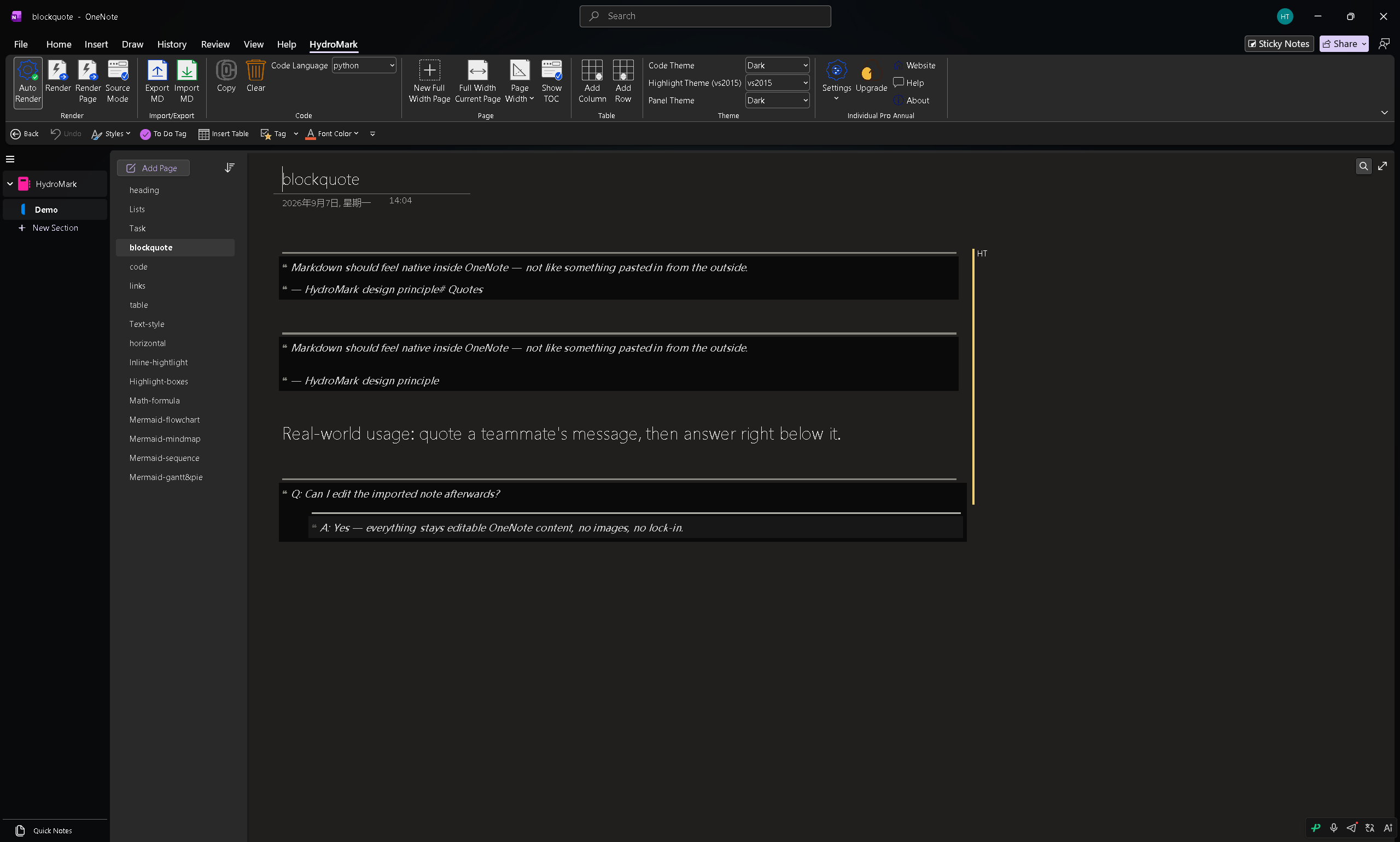
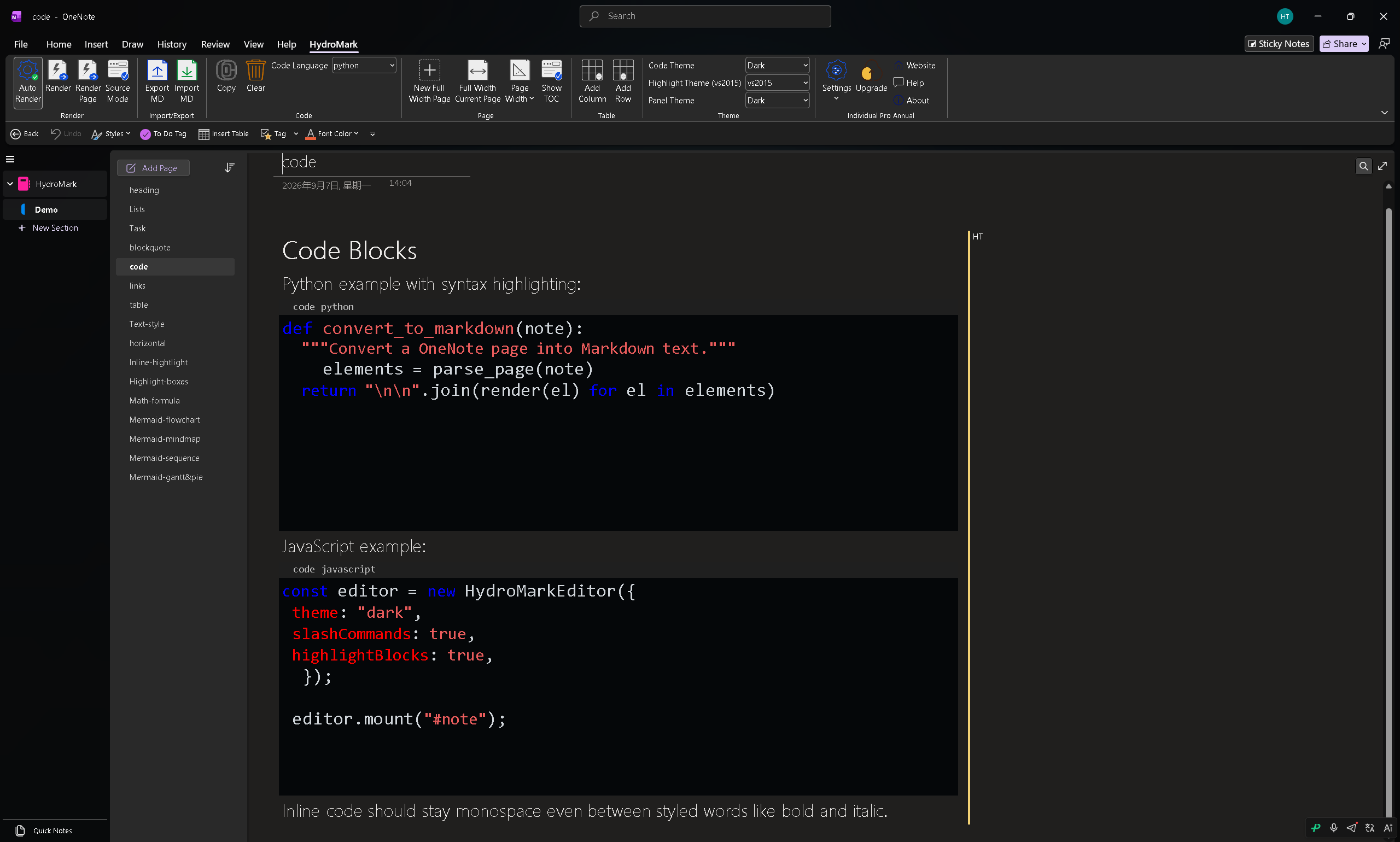
- [ ] becomes a real OneNote to-do checkbox whose state round-trips back to Markdown. > renders as a styled quote block with nested indentation, and fenced code blocks get syntax highlighting for dozens of languages.
Links, tables and text styles
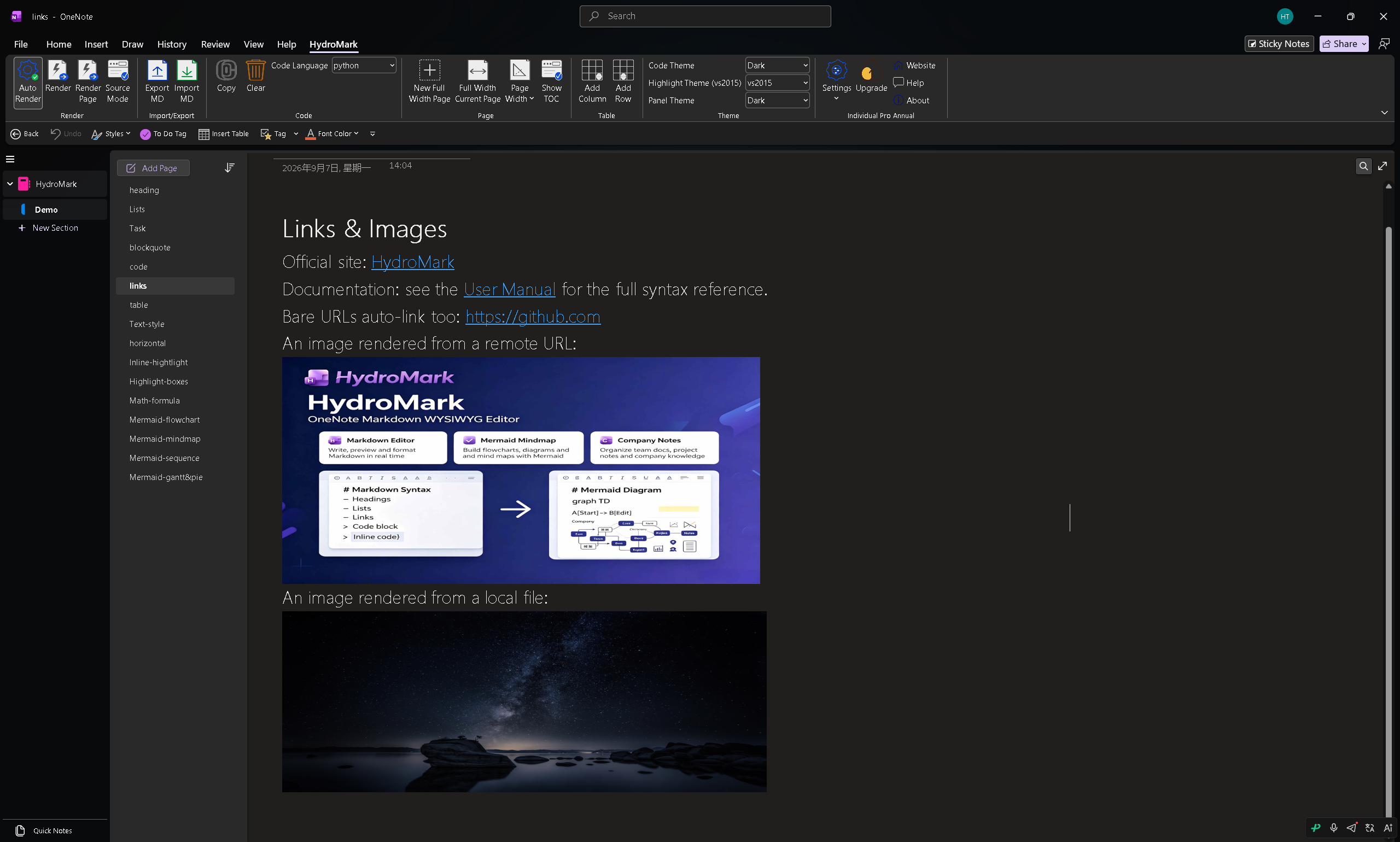
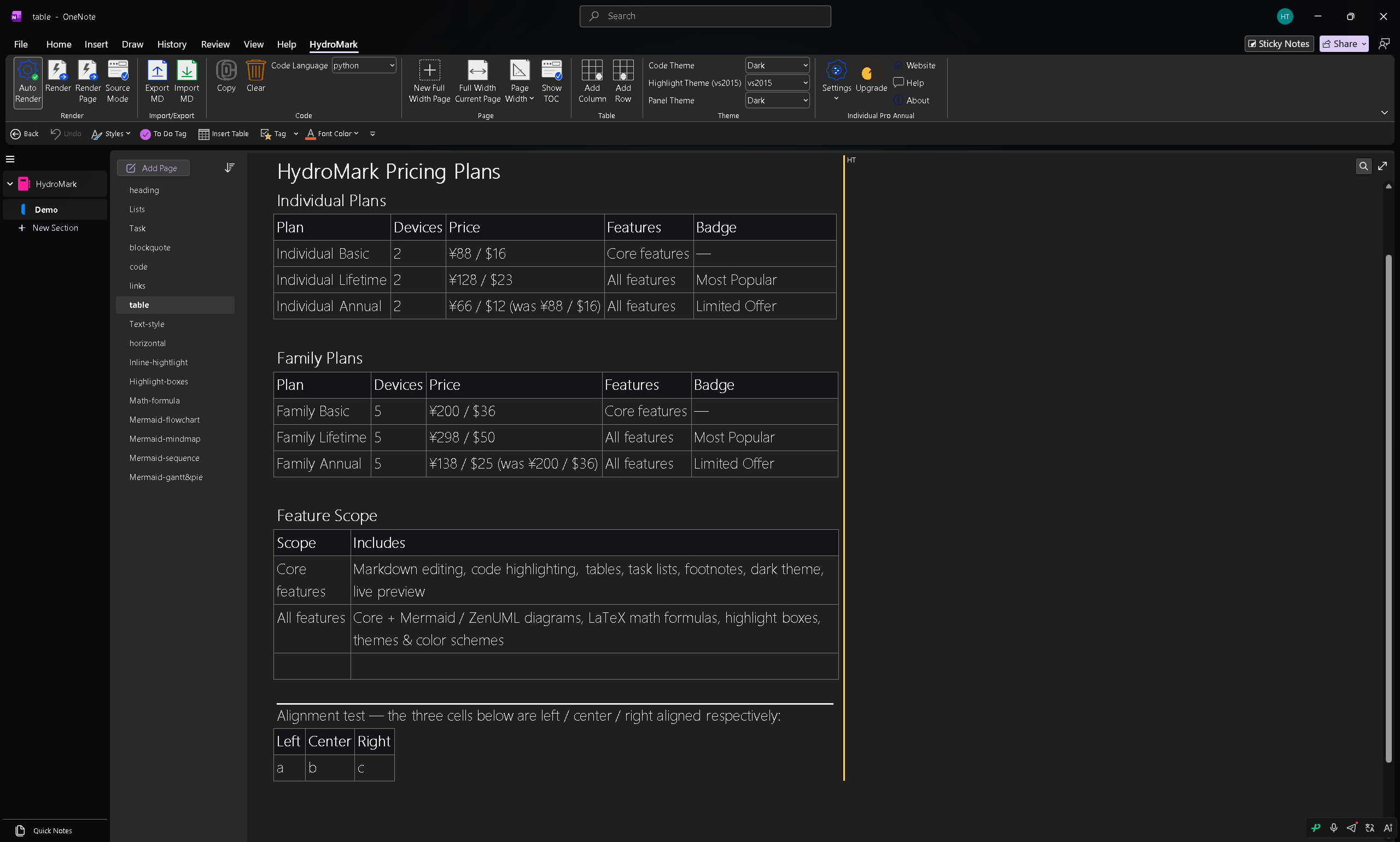
Standard Markdown links become native OneNote hyperlinks; GFM tables with alignment render as proper OneNote tables, not images; and bold, italic, strikethrough and other inline styles all work.
Math, highlights and boxes
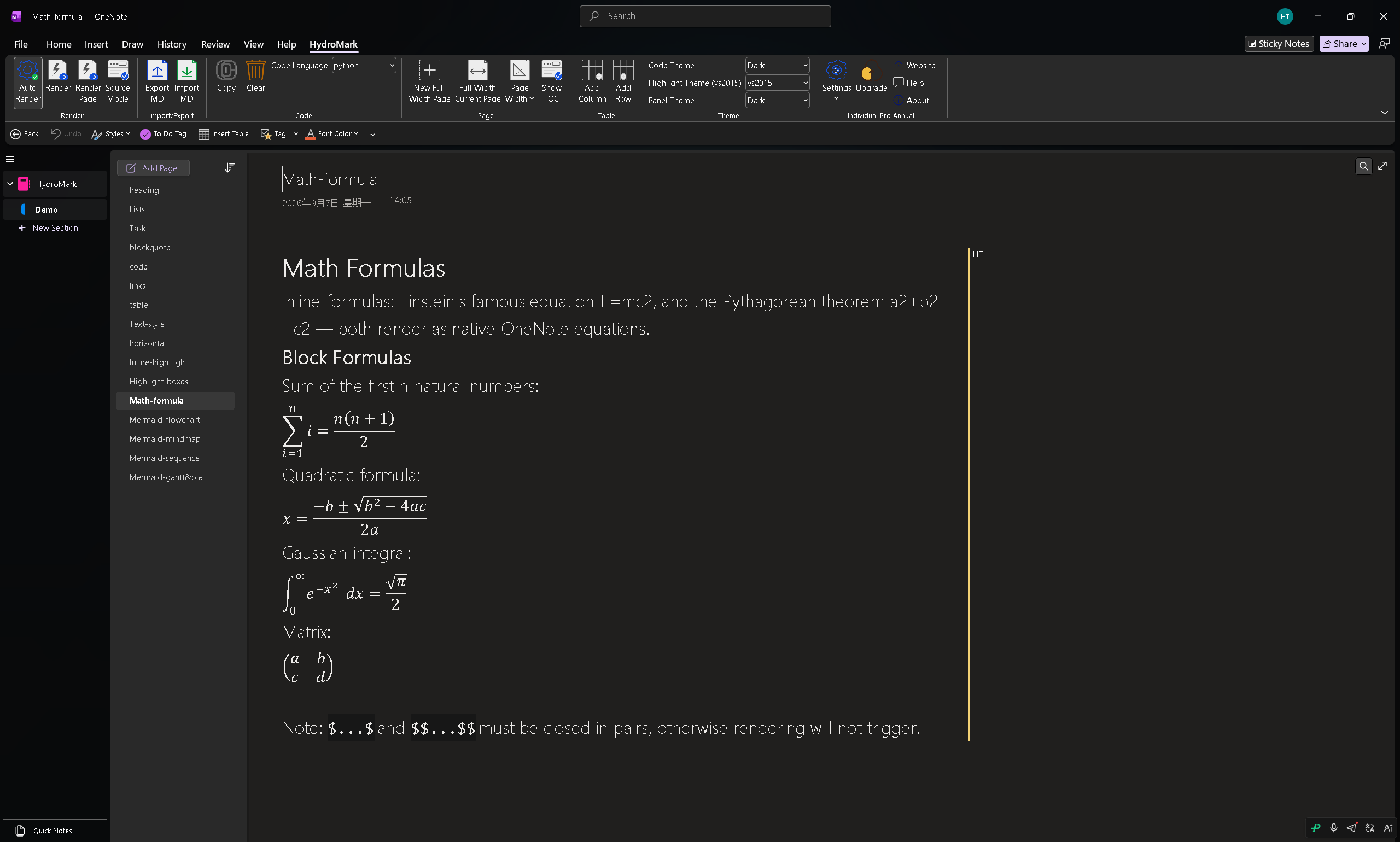
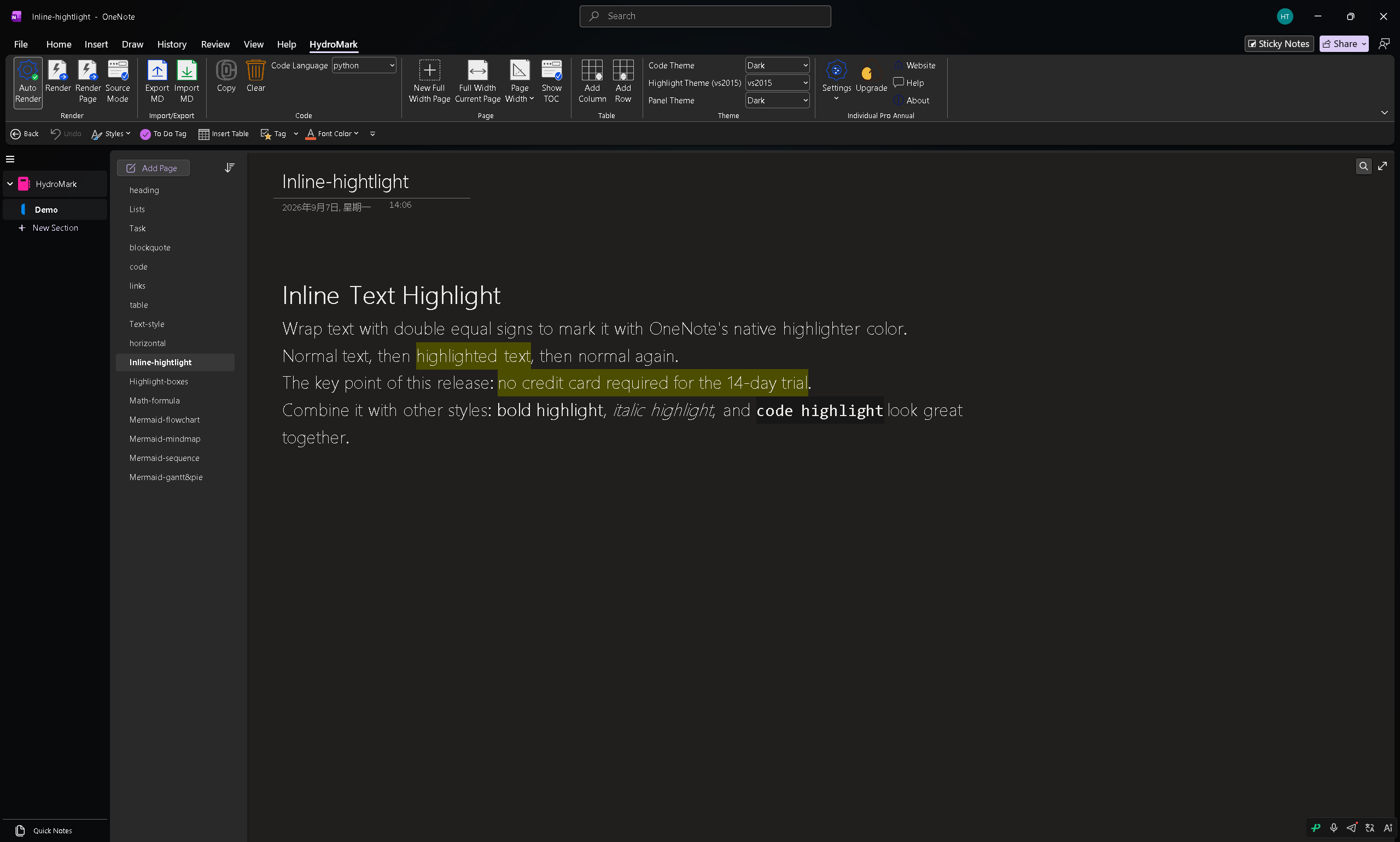
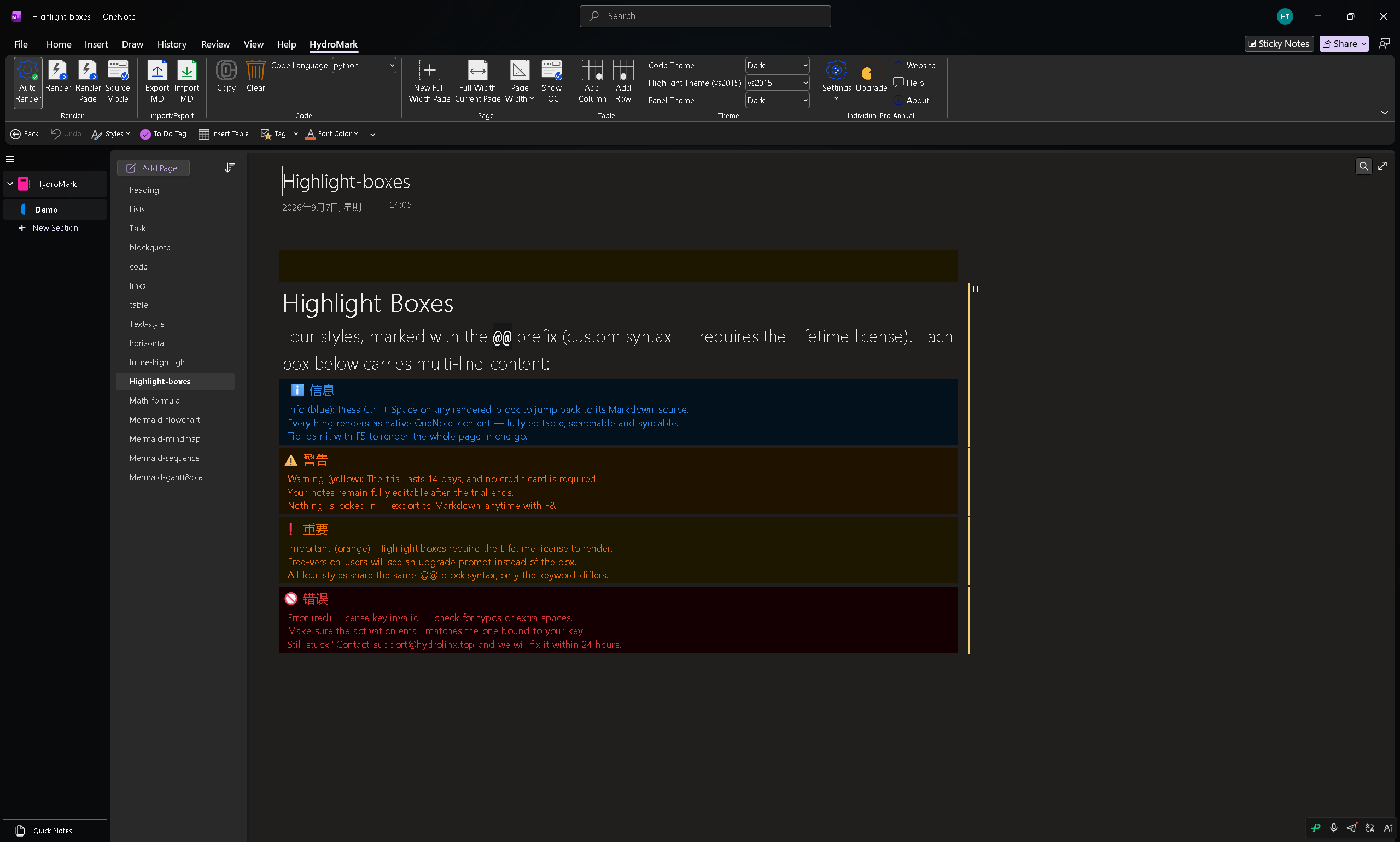
Inline $...$ and block $$...$$ formulas render as native OneNote equations — editable and scalable. ==highlight== marks key text, and INFO / WARNING / IMPORTANT / ERROR callout boxes make important notes stand out.
Mermaid and ZenUML diagrams
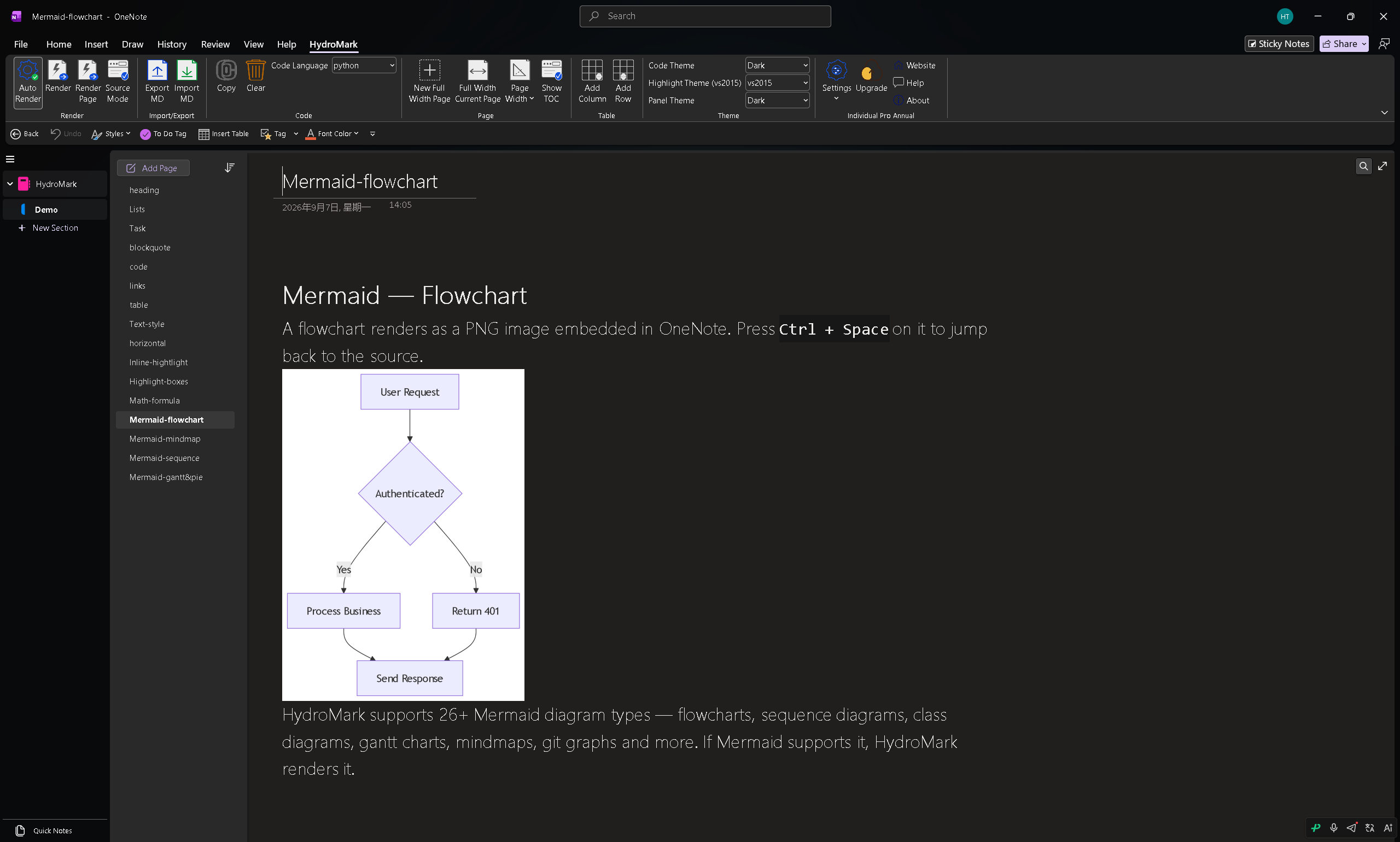
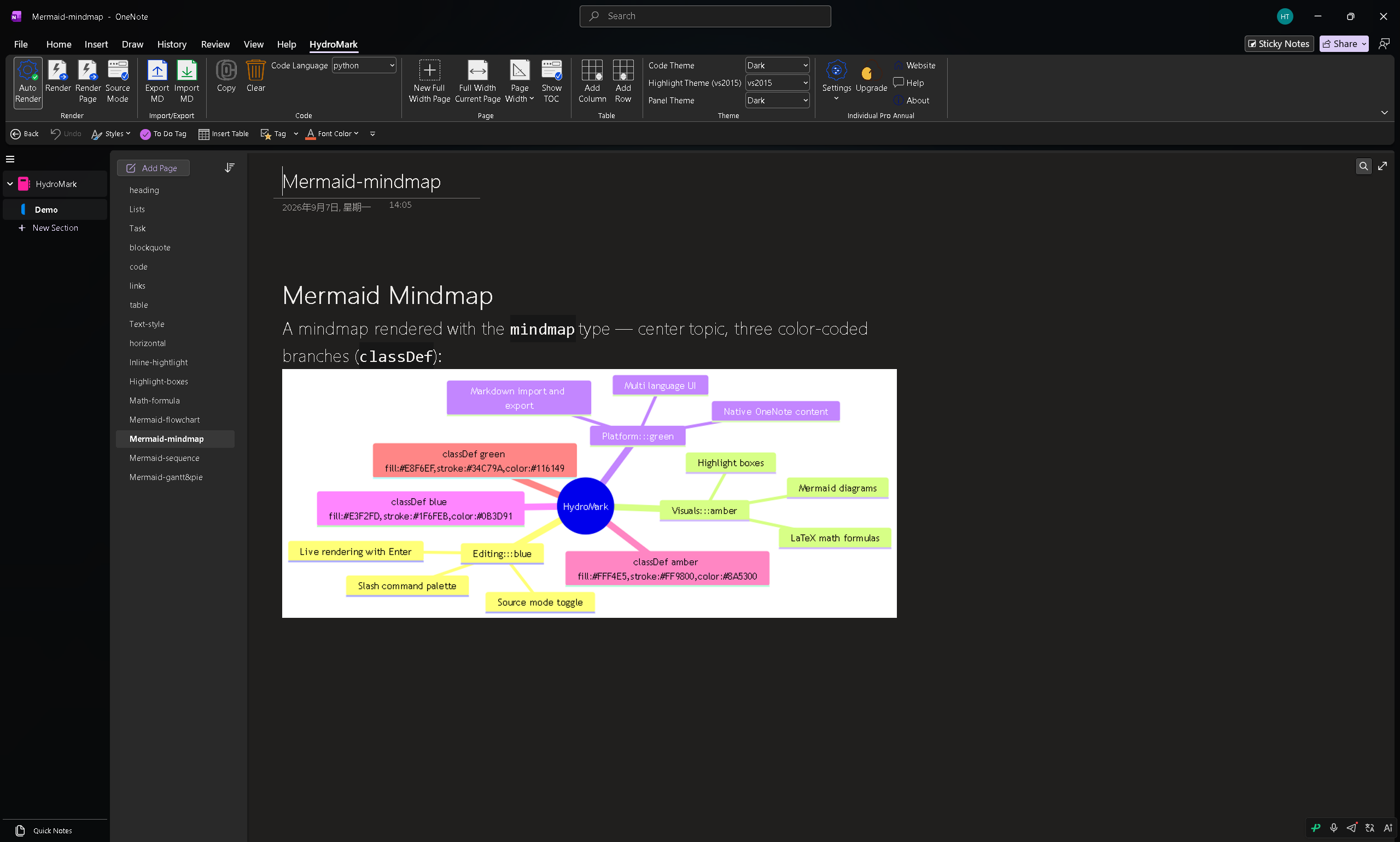
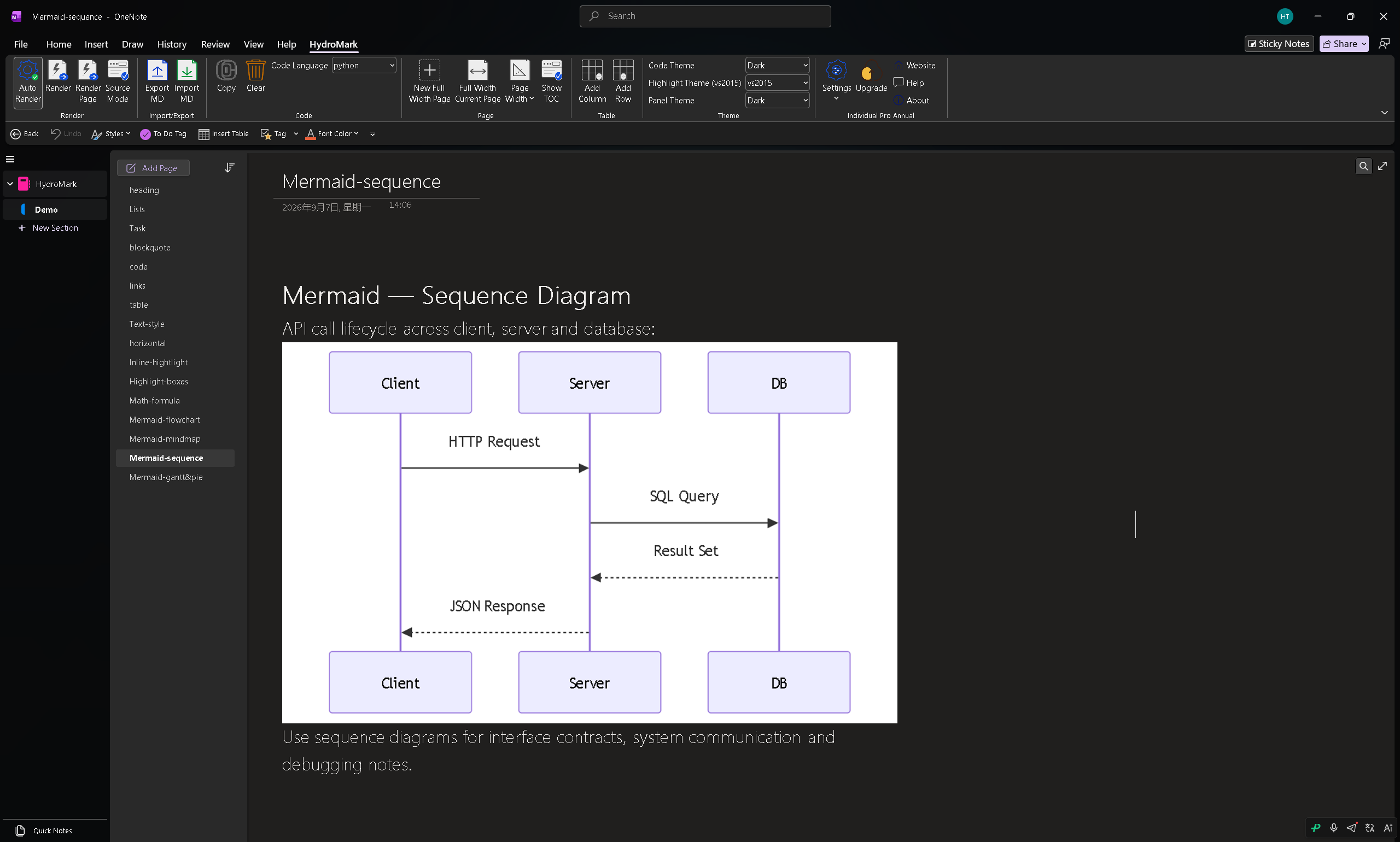
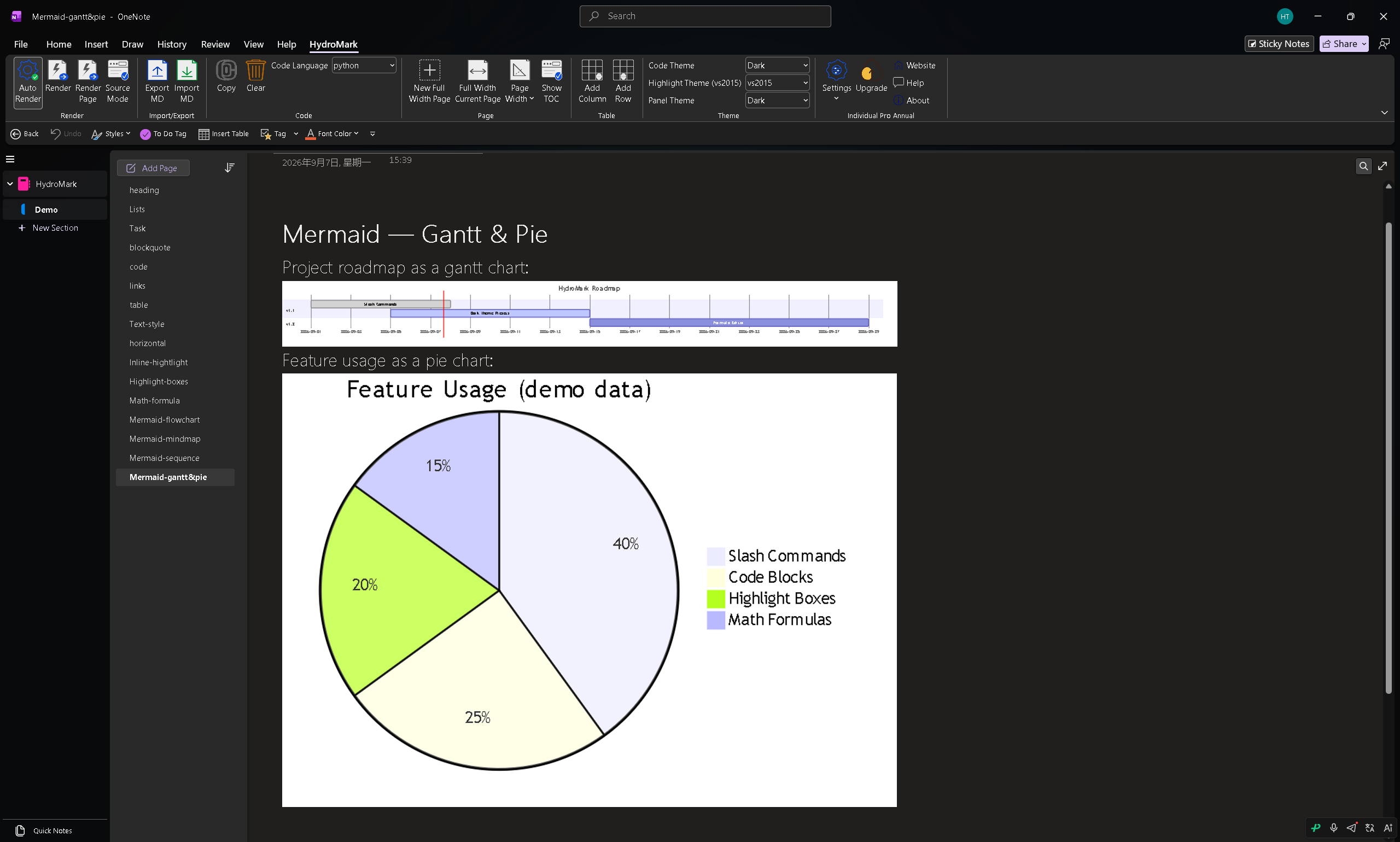
This is the headline feature. Write Mermaid — flowcharts, sequence, class, state, gantt charts, mindmaps, git graphs — and get a rendered diagram embedded in your page. Press Ctrl + Space on a rendered diagram to jump back to its Markdown source.
Slash command palette
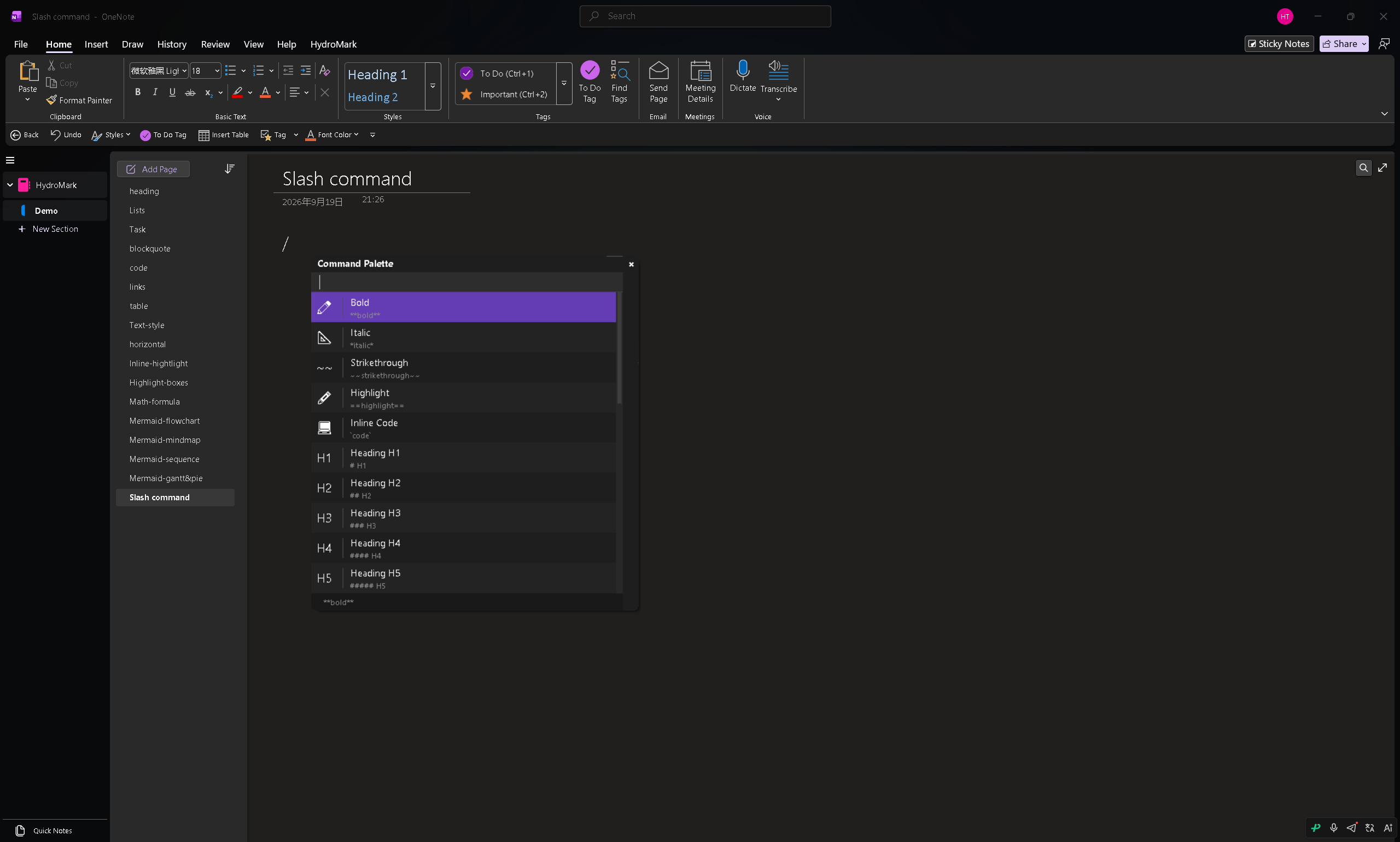
Type / anywhere to open a searchable command palette that instantly inserts headings, lists, code blocks, boxes, formulas, tables or diagrams — the fastest way to write structured notes.
Pricing
HydroMark offers a 14-day full-feature free trial, then splits into a Basic tier with the core Markdown features and a Lifetime tier with all advanced features (LaTeX, diagrams, highlight boxes, themes).
Who should use it
- OneNote power users who want Markdown without leaving their notebooks.
- Students and academics who need editable LaTeX and structured notes.
- Developers and researchers who want Mermaid diagrams embedded inline.
- Anyone who values password-protected notes plus a modern writing experience.
Common questions
Do I have to leave OneNote to write Markdown?
No — everything stays inside OneNote. You write Markdown and watch it render in the same page.
Are diagrams editable after rendering?
You can jump back to the Markdown source with Ctrl + Space, edit, and re-render.
Which OneNote version does it support?
HydroMark targets the Windows desktop OneNote application.
Conclusion
HydroMark is the add-in that finally gives OneNote native-feeling Markdown with live preview, native equations, and complete Mermaid diagrams — at a lower price than the category. If you have ever wished OneNote had Markdown, this is worth the 14-day trial. Visit HydroMark to try it.